Reports
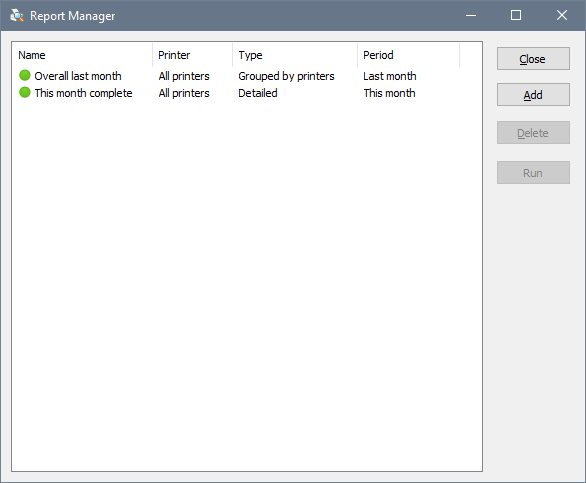
You can set and run various reports reflecting printing activity. These reports can be exported to CSV and HTML files. To access the reports, choose File – Report Manager from the main menu. To run a report and save its output to a file, click Run:
To create a new report, click Add. To edit an existing report, double-click it:
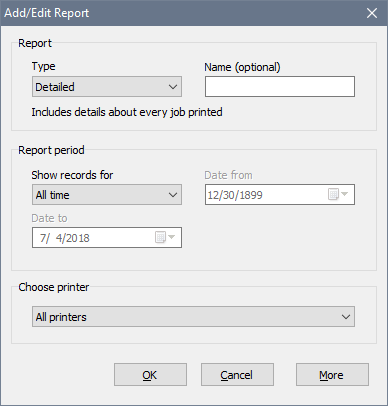
There are several types of reports:
- Detailed includes the most details about every job printed: source, title, number of pages, date, etc.
- By user includes number of jobs, number of pages and overall cost grouped by user.
- By computer includes number of jobs, number of pages and overall cost grouped by computer.
- By printer includes number of jobs, number of pages and overall cost for each printer. Choosing a printer is unavailable for this report.
If you choose All Printers, the report output will be split by printer. Otherwise, the report will only list jobs printed on the selected printer.