RAM Disk for Windows and macOS
Increase computer performance and SSD lifespan
 SoftPerfect RAM Disk is a high-performance RAM disk application that lets you have a disk on your computer stored entirely in its memory. As the memory is much faster than physical hard disks, storing temporary data on a fast in-memory disk achieves a higher performance. Whatever your job is, read on to find out what a RAM disk can offer you.
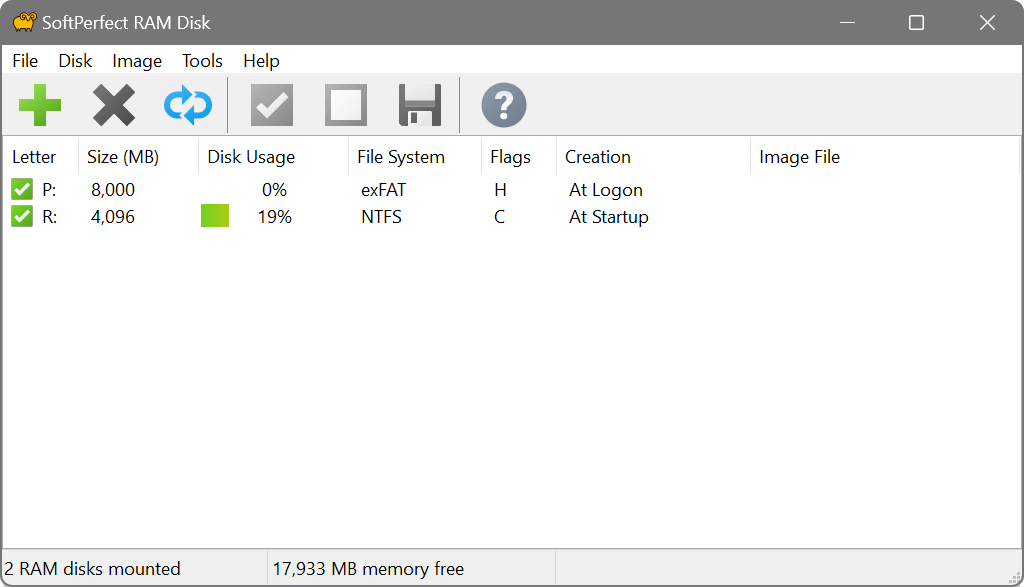
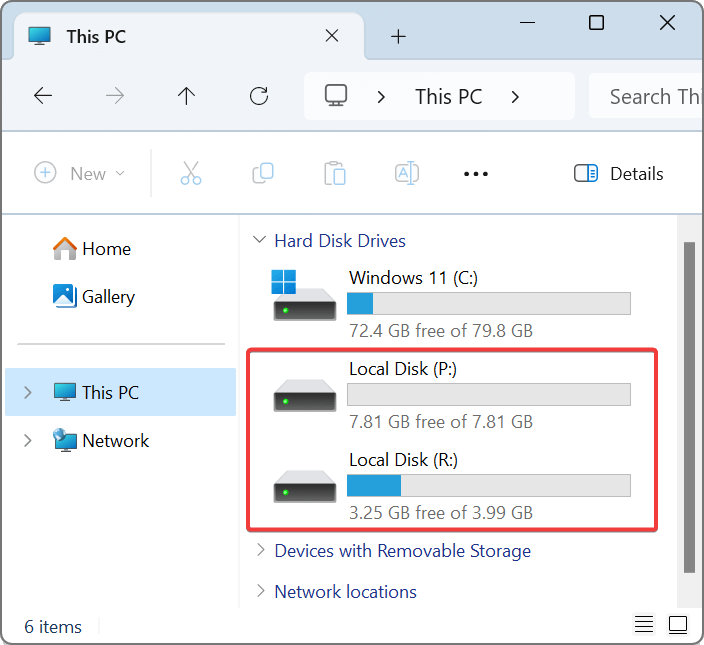
SoftPerfect RAM Disk creates a virtual disk residing in the computer RAM accessible in Windows Explorer and other applications, allowing you to store any temporary information on this disk. Furthermore, Windows can be configured to use the RAM disk for temp files, so that the system and most other applications would use the fast in-memory disk for their temporary data. As Windows and other third-party applications often create a large number of temporary files for a short time only, using a RAM disk will extend the lifespan of your hard disk by sparing it from excessive reading and writing. This is particularly valuable for solid-state drives (SSD), which have a limited number of writes.
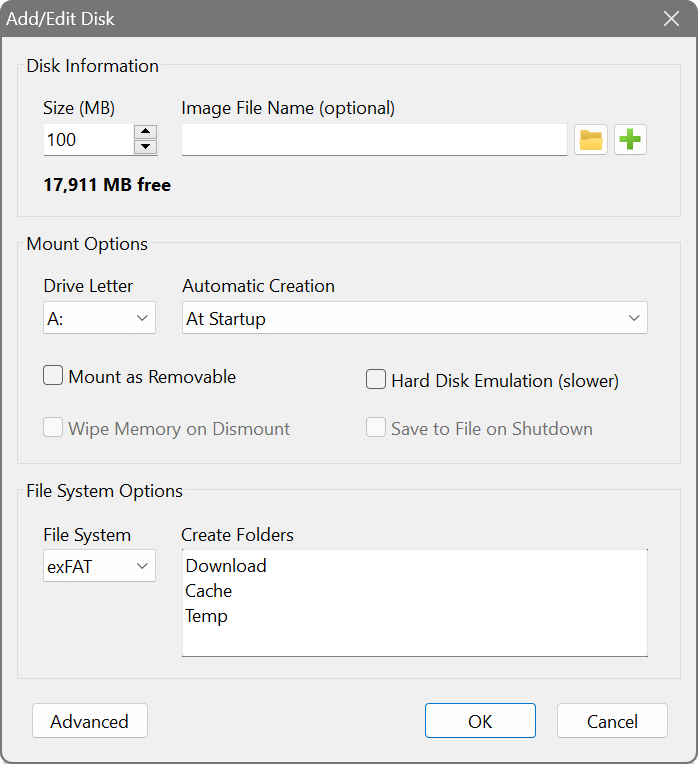
Modern computers are equipped with many gigabytes of RAM, and most of the time there is a lot of unused memory that could be used as a high-performance alternative to the slower HDD storage. This product lets you create any number of virtual RAM disks limited only by the available memory. You can also work with on-disk images and RAM disks associated with on-disk files to preserve your data between sessions.
While regular users will benefit from moving web-browser cache and Windows temporary files to a RAM disk, IT professionals may find even more advantages. For example, programmers can speed-up the development process by redirecting intermediate compiler output to a RAM disk, database administrators can improve performance by using a RAM drive for things like tempdb, and so on.
Key features
- Dynamic allocation and TRIM for efficient memory usage: allocate RAM on demand and release it when files are deleted.
- Any RAM disk size on 64-bit systems with Intel, AMD and ARM64 processors.
- Persistent RAM disks with associated on-disk images and smart sync.
- Volatile RAM disks whose content disappear on shutdown.
- Built-in disk image manipulation tools.
Five very good reasons to use the RAM Disk
- Higher computer performance. Provided you have a sufficient amount of RAM, using a fast in-memory disk for temporary data will boost the computer performance.
- Reduced wear-and-tear of the physical disk. Because temporary files are not written to the hard disk, there will be fewer read/write cycles, which is especially important for prolonging the life of solid-state drives (SSD) commonly installed in laptops.
- Less junk on the hard disk. Many software applications create temporary files that remain undeleted although no longer needed. The contents of RAM disks are cleared every time the computer is restarted or switched off, so the unneeded files won’t clutter your hard drive.
- Reduced file system fragmentation. The file system on your HDD/SSD will be far less fragmented as the temporary files will never be written to the hard disk.
- Enhanced security. Temporary sensitive data can be stored on a RAM disk, which is completely erased when the computer is turned off or restarted.
Screenshots
Latest version
For Windows: 26.4 (21 April 2026)
For macOS: 26.2 (2 February 2026)
Changelog
Supported platforms
Intel, AMD and ARM64
Licence
Try before you buy:
free fully-featured 30-day trial
Download
🌐 Multilingual packages
Size: 4.9M
Size: 7.5M