SoftPerfect Network Scanner
Powerful multipurpose network administration tool for Windows, macOS and Linux
 This fast, highly configurable IPv4/IPv6 scanner can streamline many of your network support procedures. Its well-designed interface, light weight and portability coupled with an extensive range of options and advanced features make SoftPerfect Network Scanner an invaluable tool, whether you are a professional system administrator, someone providing occasional network maintenance, or a general user interested in computer security.
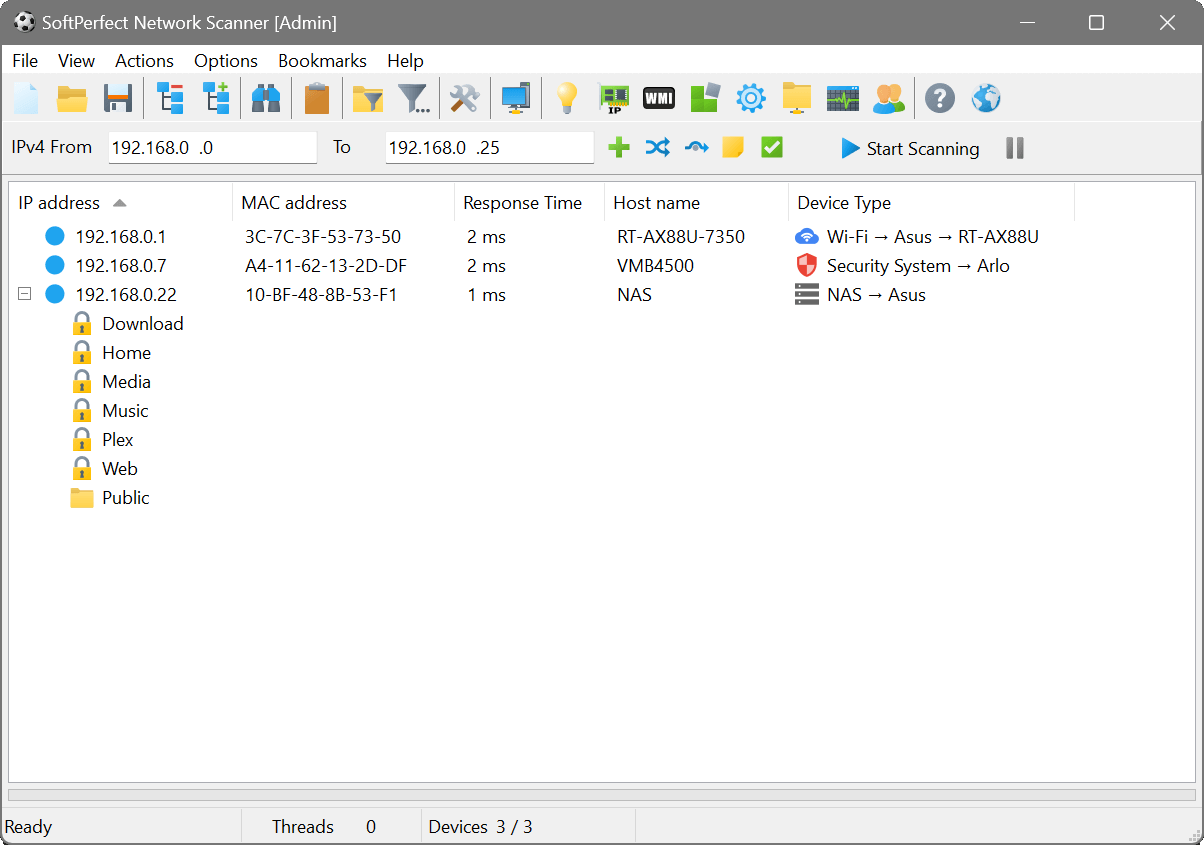
SoftPerfect Network Scanner can ping computers, scan ports, discover shared folders and retrieve practically any information about network devices via WMI, SNMP, HTTP, SSH and PowerShell. It also scans for remote services, registry, files and performance counters; offers flexible filtering and display options and exports NetScan results to a variety of formats from XML to JSON.
Whether you need a quick inventory of your home or office network or a complex analysis of software and hardware configuration across hundreds of devices, the Network Scanner has you covered.
Key features
Discovery & scanning
- Fully supports both IPv4 and IPv6 discovery.
- Performs a ping sweep and displays live devices.
- Detects hardware MAC addresses, even across routers.
- Scans for listening TCP ports, some UDP and SNMP services.
- Grabs service banners to identify web servers, FTP servers and other software.
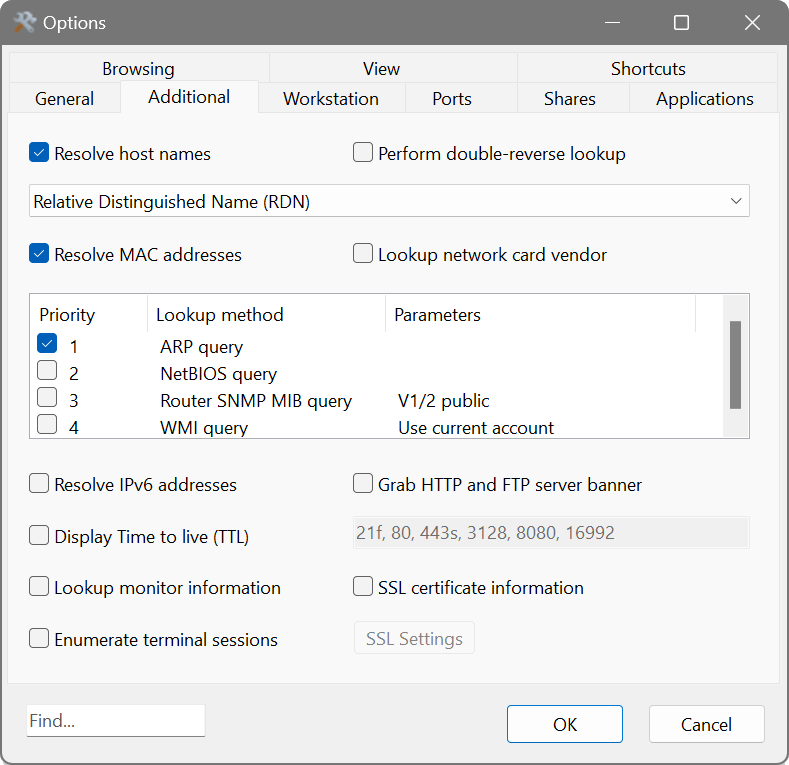
- Retrieves SSL/TLS certificate details such as issuer, subject and expiry date.
- Discovers writable and hidden shared folders.
Information gathering
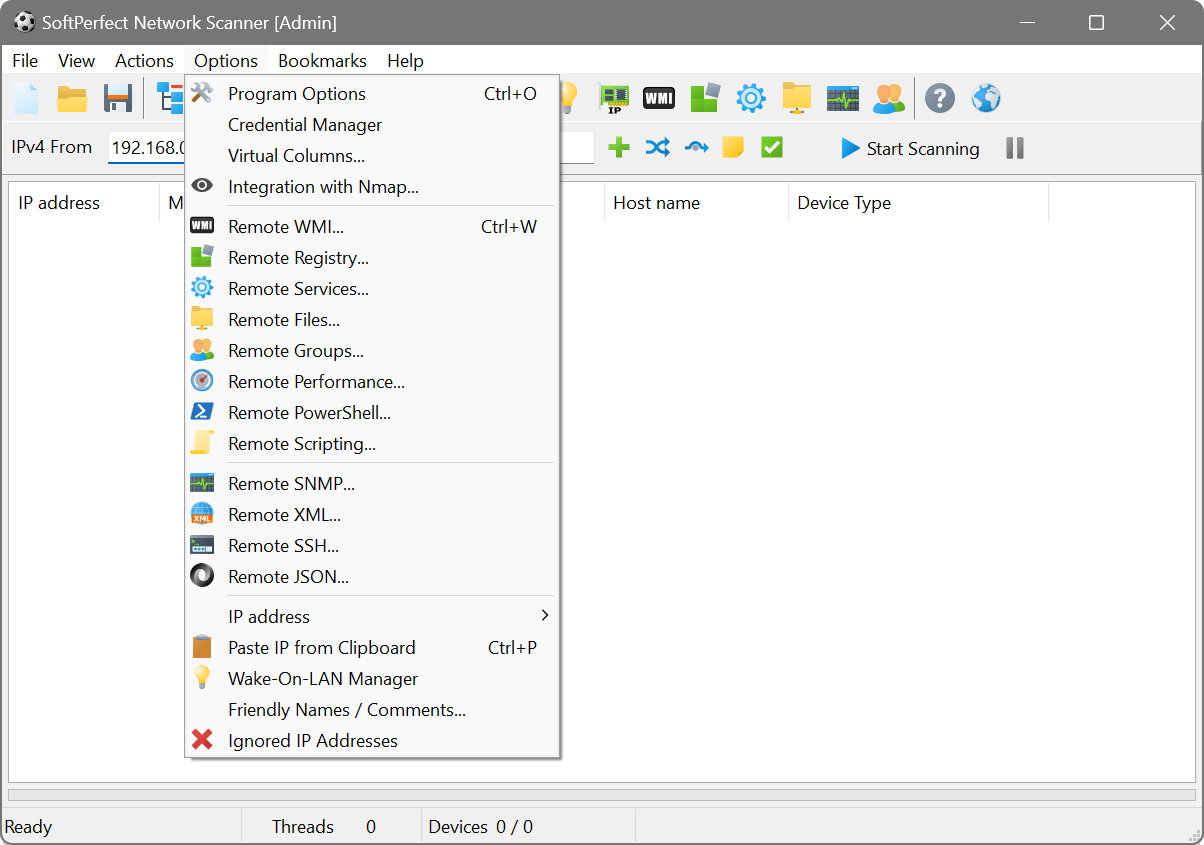
- Retrieves any system information via WMI, remote registry, file system and service manager.
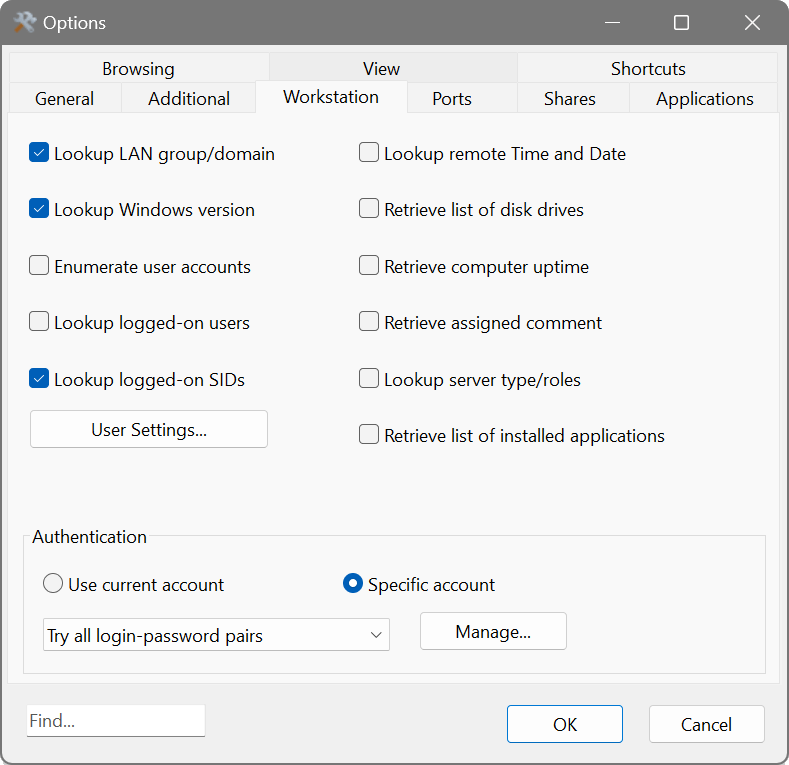
- Retrieves currently logged-on users, configured user accounts, uptime, etc.
- Supports remote SSH, PowerShell, VBScript and Python command execution.
- Integrates with Nmap for OS discovery, vulnerability tests, and much more.
Management & reporting
- Supports Wake-On-LAN, remote shutdown and sending network messages.
- Launches external third-party applications.
- Exports results to HTML, XML, JSON, CSV and TXT.
- Can be run from a USB flash drive without installation.
Screenshots
Latest version
26.5 (25 May 2026)
Changelog
Supported platforms
Intel, AMD and ARM64
Some features vary between platforms
Licence
Try before you buy:
free unlimited duration trial with maximum of 10 devices displayed
Download
🌐 Multilingual packages
Size: 15M
Size: 16M
Size: 22M