AdGuard does not filter when NetGenius service is running
7 posts · Closed
I was trying out the trial version of NetGenius before buying it, and realized that AdGuard does not filter when the NetGenius service is running. Please test this.
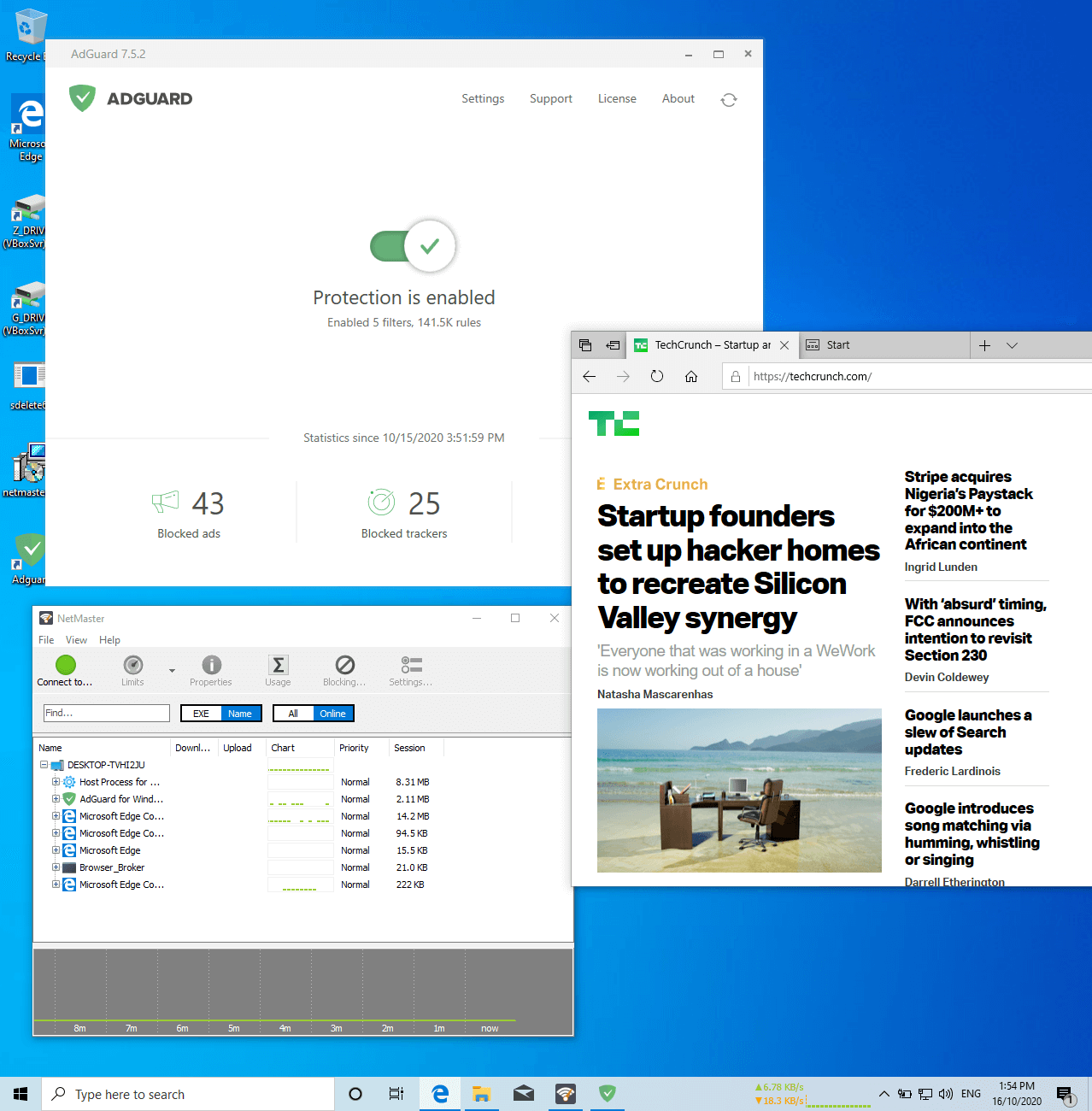
Sorry, we have been unable to reproduce this. We have installed the latest NetGenius and AdGuard and everything worked as expected, see the screen shot below for details. Perhaps it's worth trying to update to the latest versions of both NetGenius and AdGuard?
Additionally, if you are using any bandwidth limits, priorities or blocking in NetGenius, this may be the culprit. Using any of these features causes NetGenius to enter the "intercept" mode instead of its normal "listening" mode. It is possible that AdGuard does not capture the traffic intercepted and passed through NetGenius. Undoing speed limits, blocking and priorities may help resolve this issue.
I am not using anything apart from blocking CCleaner from connecting to the internet, and both are the latest versions of the respective apps.
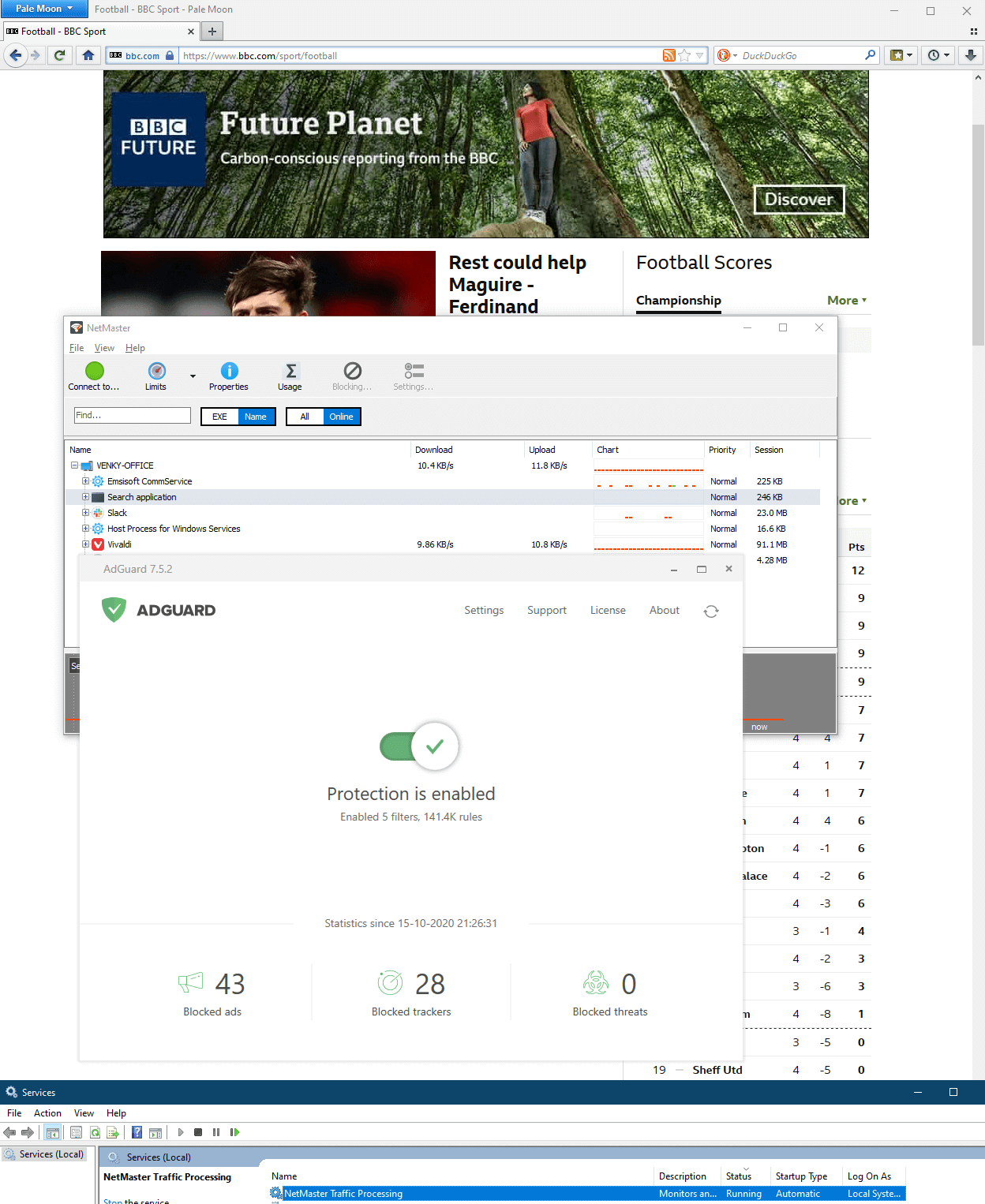
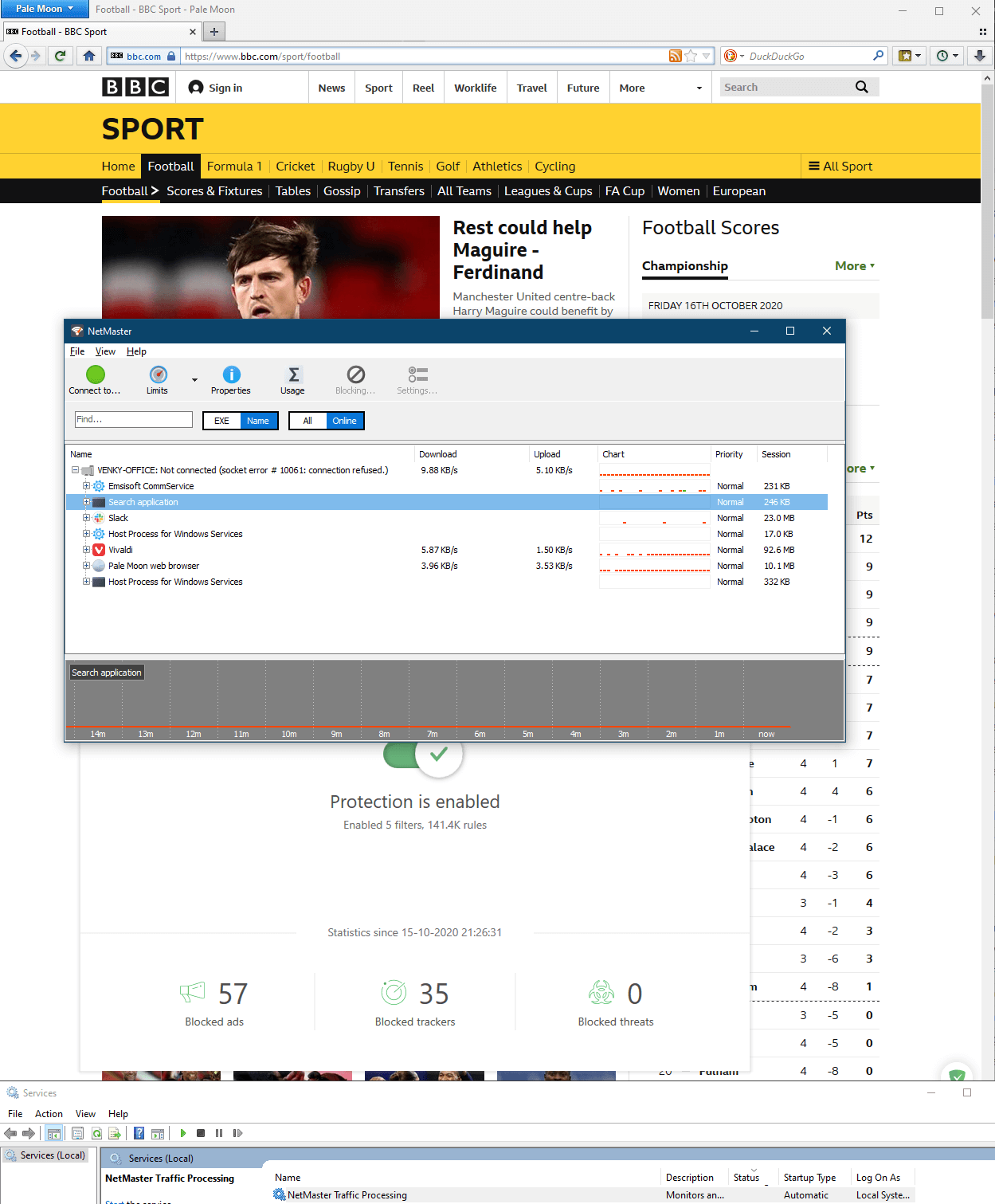
Following are two pictures. The first is the session with NetGenius service running and an ad at the top. The second is the same page with NetGenius service disabled and refreshed.
Additionally the counter for AdGuard does not change when NetGenius service is running and I see ads on YouTube etc as well.
I am using Windows 10 2004 x64 along with Emsisoft Anti-Malware (does not interfere with AdGuard as ads are correctly blocked with only it and AdGuard running).
It sounds like the blocking (in this case CCleaner) is the culprit. With any blocking set, all traffic is routed via the NetGenius internals and for some reason AdGuard does not want to see it.
Try unblocking CCcleaner, or use AdGuard as a proxy rather than WFP.
That's done the trick for me. Disabled WFP and using as a proxy instead, thanks!
Just one more thing. Whenever I add any file or path to the blocking rule set, some essential app stops connecting to the internet. For example, Cyberghost VPN stops working if I add anything in the block list. Once it's removed, it starts working again.
My set-up is pretty simple. I need an outbound blocker for apps like CCleaner or KMPlayer that I don't want to go online unnecessarily every time I launch, and just an Ad blocker and VPN. I am on the verge of buying NetGenius as this app meets my needs perfectly!
Unfortunately all these network-filtering programs don't work well together, be that VPN, antivirus software, ad-blockers or NetGenius.
But since all you require is a simple blocking of applications, this can be done with the Windows Firewall. No additional software is needed.