Request for dark mode
6 posts · Closed
I'd really appreciate a dark mode for NetGenius, as the white interface can be pretty blinding when using it at nighttime.
Perhaps in the future. At the moment there is no built-in support for skins.
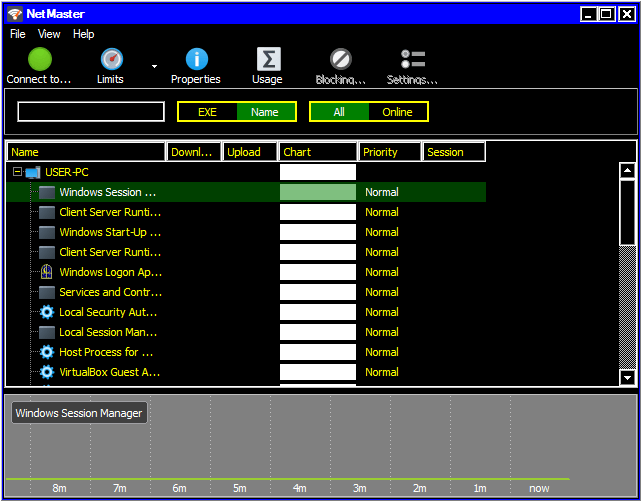
However, NetGenius does respect system colours. So if you enable a dark Windows colour scheme (like High Contrast #1), it would look similar to a dark mode, like this:
It doesn't seem to be picking up the system dark mode for me on Windows 10 build 21390.2025. Screenshot attached showing Windows is set to Dark mode but NetGenius is using light colors.
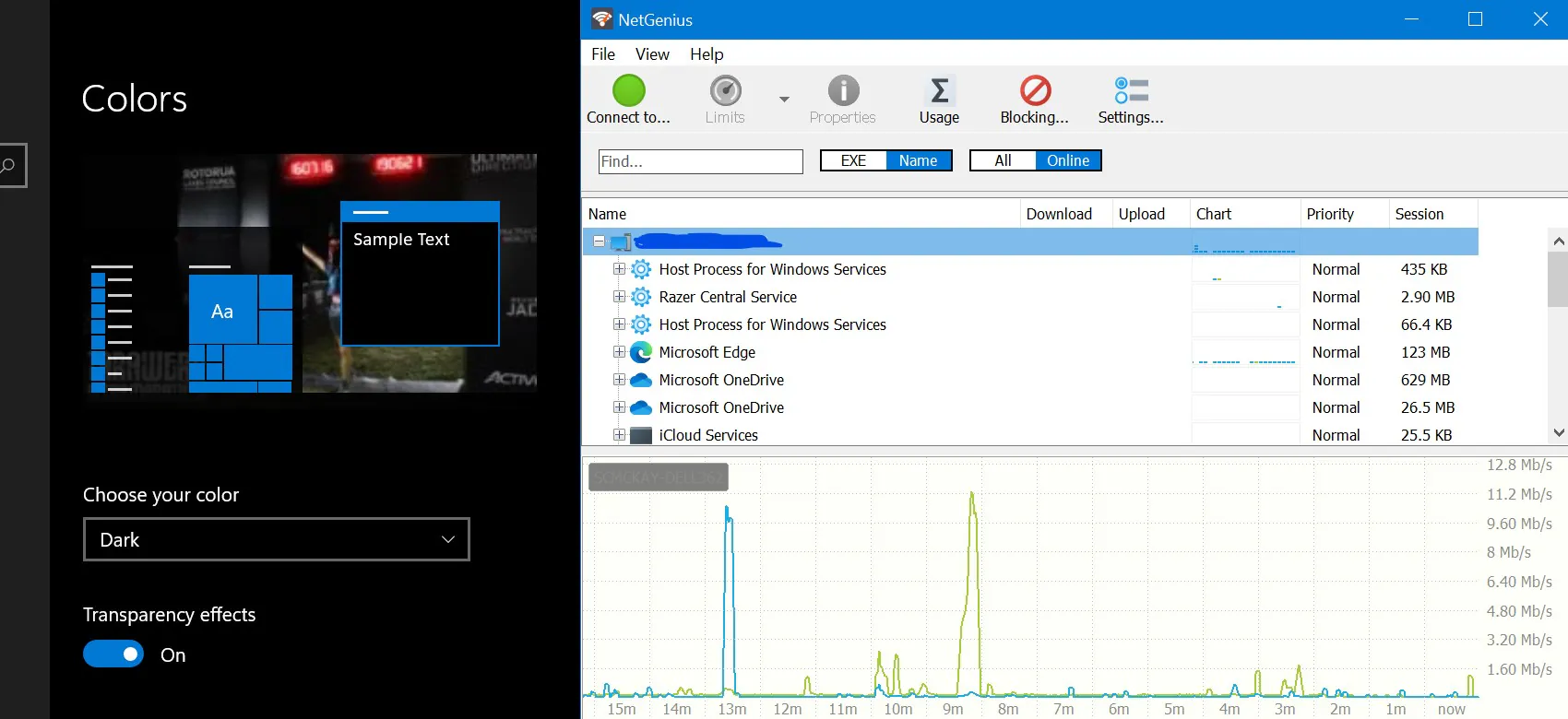
This Windows setting does not really apply to Win32 applications (e.g. if you open Notepad, it will also be in light mode regardless of the setting). You might notice that applications that use their own UI rendering like Chrome or FireFox respect this setting, but regular Windows application do not.
The only way for us to implement dark mode in NetGenius is to use a custom skin. Luckily that's easy to do and the latest build fully supports dark mode.
Feel free to download the new builds and let us know how it works for you.
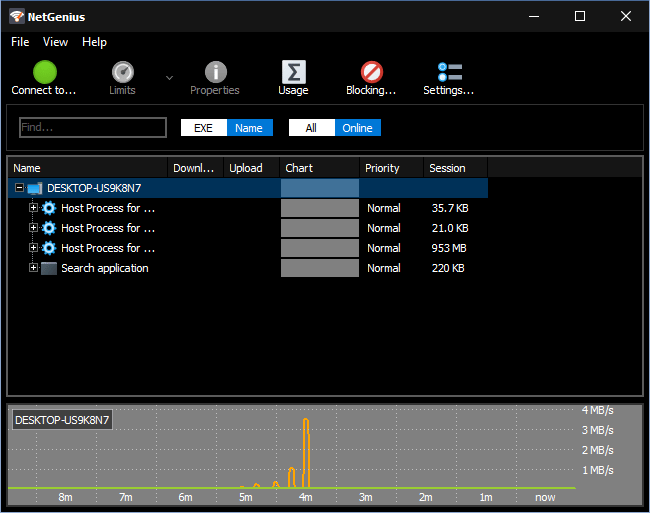
Works beautifully. Thanks!
Side note: The installer wants NG to exit before it runs, but there doesn't seem to be a good way to do that via the UI. I ended up having to find and manually stop the service (which many folks may struggle with).
There is no need to stop the service as the installer handles that. You are only asked to close the GUI which can be done via the Exit menu item following right-clicking the notification area icon, or choosing File - Exit from the main menu.
Having said that, you raised a good point. We will update the installer so that it closes and restarts the GUI automatically.