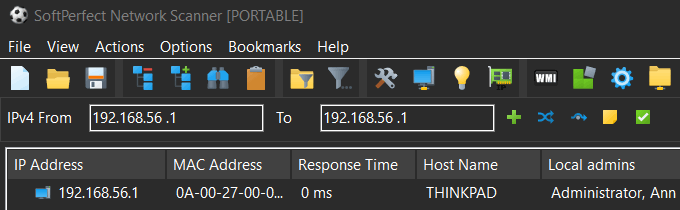
Check local administrative rights and group contents
4 posts · Closed
Can we run the NetScanner to see which accounts have local administrative rights on the PCs?
Can it pull the contents of the "Administrators" group per PC?
Yes, Remote Groups - Members of a local group should work for the local PC as well:
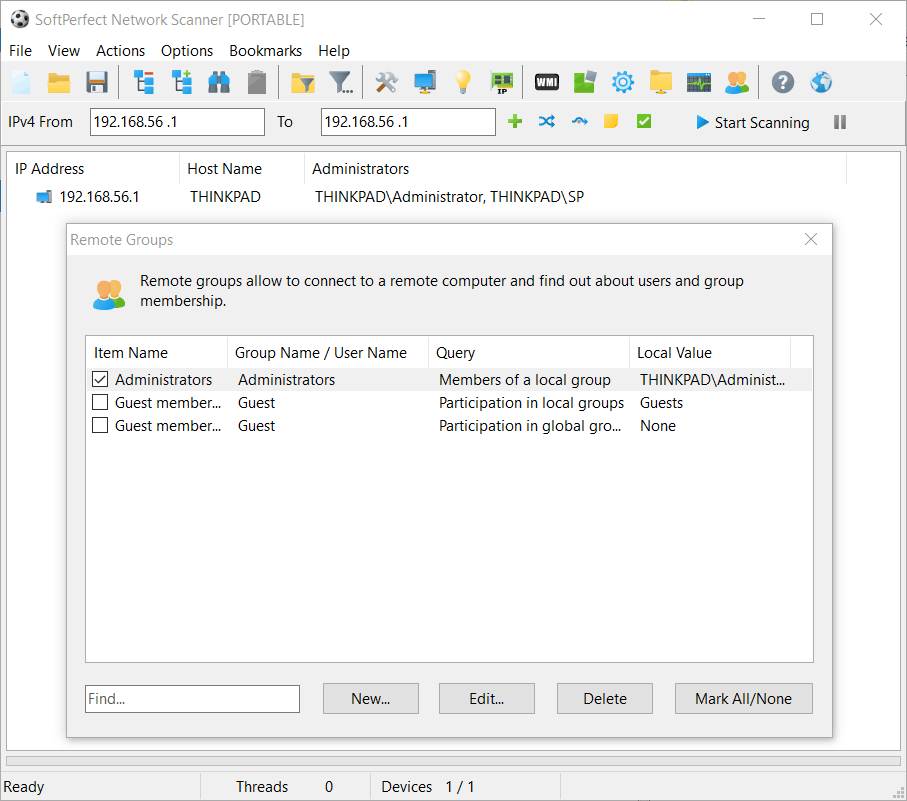
I found it, but I have a recurring problem, even before turning this option on. The Scanner can find all PCs, but is having a consistent hard time to pull some of the information. The first 4 columns are usually fine (IP address, MAC address, Response tome, and Host name). After those, it is just a few that get the details in full.
Any suggestions on what to do on the PCs or the application to improve this? Any idea on what should I check?
All PCs are Windows 10 and should have the same basic configuration.
It is hard to tell what's causing this in your case. This particular feature merely calls a Windows API function NetLocalGroupEnum, and for some reason it fails on many of your machines. We could add some code to display what error it returns, but it will likely return something like 'access is denied' without an explanation why.
If you have WMI enabled and working on your computers, you could instead execute this VBScript under Options - Remote Scripting. It simply connects to each computer's WMI system and executes a couple of queries to get local administrators.
'Input parameters
strComputer = Input.Current

Set objWMIService = GetObject("winmgmts:\\" & strComputer & "\root\cimv2")

'Get computer name
Set colItems = objWMIService.ExecQuery("Select Name from Win32_ComputerSystem")

If colItems.Count = 0 Then
  Output.Write "No name assigned"
Else
  For Each objItem in colItems
    'Get admins on that computer
    Set colUsers = objWMIService.ExecQuery("ASSOCIATORS OF {Win32_Group.Domain='" & objItem.Name & "',Name='Administrators'} WHERE AssocClass=Win32_GroupUser")
    For Each objUser in colUsers
      Output.Write objUser.Name
    Next
  Next
End If