How to merge bookmarks without creating duplicates
3 posts · Closed
Good day,
I am new to this forum and to Network Scanner. Here is my question. I have bookmarks and my colleague has them as well. We can export the bookmarks we both have; however, we add several bookmarks a day. I want his bookmarks and he wants mine. We can export them into a .csv file, but when I import his export, the program asks me to replace my bookmarks. That I don't want to do, so I select Add. Then we have duplicated bookmarks.
Is there a way to compare two bookmark exports and then add the bookmarks from each other, the ones we don't have?
Thank you for your time.
Greetings,
Jim
That's a good point. We have just updated the app, so it will now ask how you want to import bookmarks:
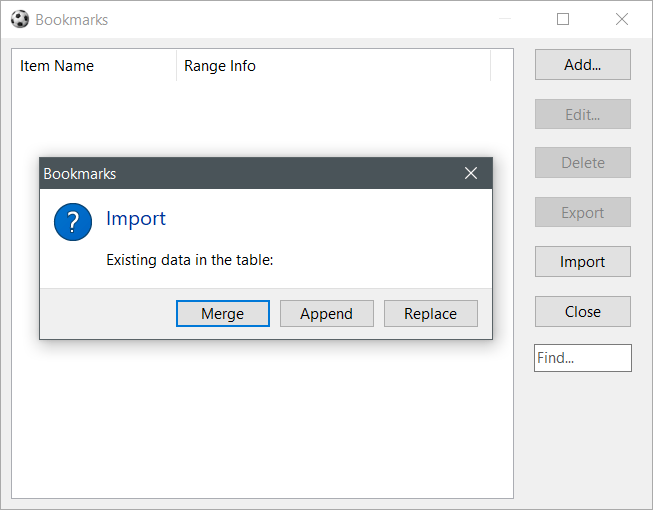
Merging it done by the name of each bookmark.
Good morning,
This is awesome!! Thank you very much.
Have a nice day!
Jim