How to execute sample PowerShell scripts
2 posts · Closed
Jack Guest
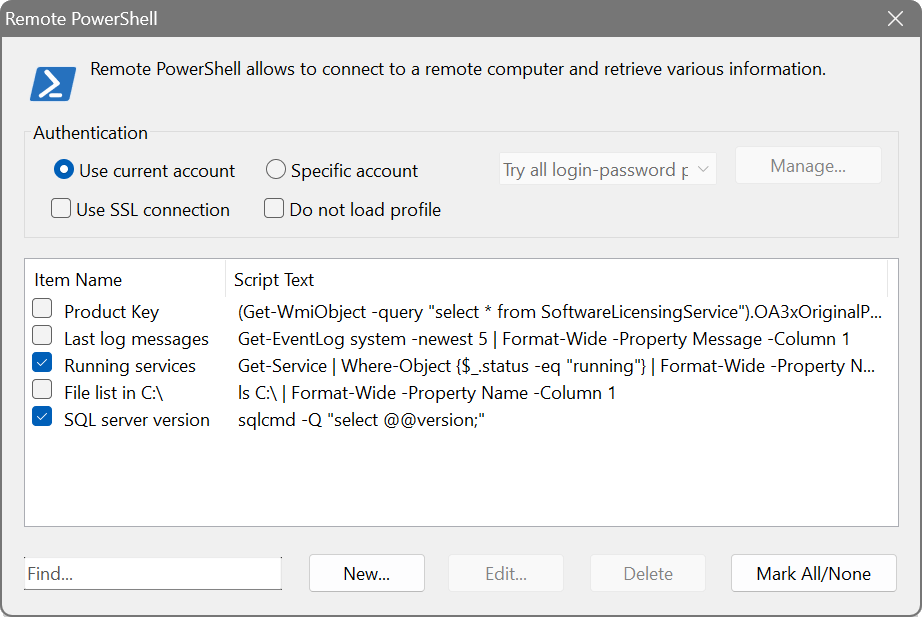
I'm running Network Scanner and I opened up one of the tabs to get to remote PowerShell. I see that there are sample scripts that are there, but I don't see how to execute them.
Thanks for your help.
Ann SoftPerfect
You simply need to tick the scripts you wish to run, and the selected items will be executed against the scanned computers.
The same holds true about any Remote feature in our Network Scanner, like Remote WMI, Remote Registry, etc.
This topic is closed.
It has had no new posts for over a year, so the software versions it talks about may be out of date.
Start a new topic in Network Scanner if you have a similar question.