Replacement characters in PowerShell output
2 posts · Closed
Hi Support!
My Remote PowerShell command does not work. It outputs "Error: [aspc082]" followed by a row of replacement characters (diamonds with a question marks inside each one).
The command:
Get-Service AVP -ComputerName aspc82| Where-Object {$_.status -eq "running"}| Format-Wide -Property Status -Column 1
If it is executed in the command line, there are no errors.
Help me please
It looks like you are getting an error message in non-Latin characters that aren't displayed properly. This was a bug in our Network Scanner which we have resolved in the latest build. Please try it. This time the error message should be readable and hopefully shed light on what's wrong.
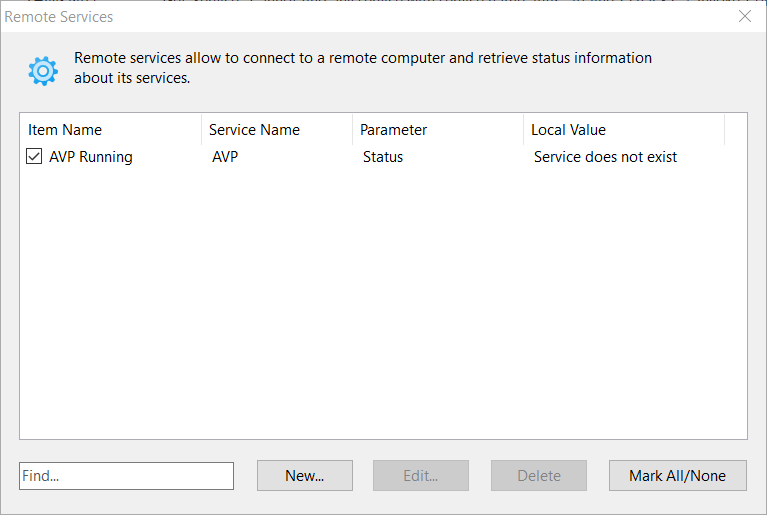
Alternatively, if you simply want to know whether a service is running, you can use the Remote Services feature as shown below. It will connect directly to the Service Manager and query the status: