Lock floating graph or enable click-through mode
4 posts · Closed
Hello,
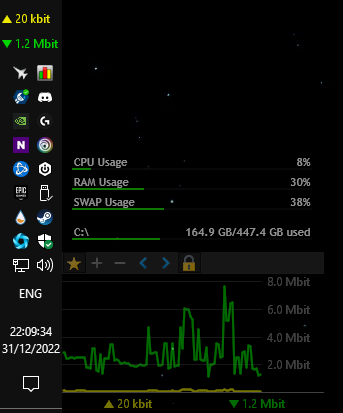
I recently upgraded from 6.x to 7.1.1 (Windows). I have the graph in floating mode / semi-transparent, docked to the left corner of a screen. Sometimes when moving the mouse quickly and accidentally clicking on the graph, it gets dragged. Is there a way to lock it permanently in this position and/or enable a click-through mode like in version 6.x?
Thank you!
That's a good idea. Thank you for the suggestion.
We have just implemented a new feature that allows locking the window in place. When active, it will not be possible to move or resize the window, so it will always retain the same position and size:
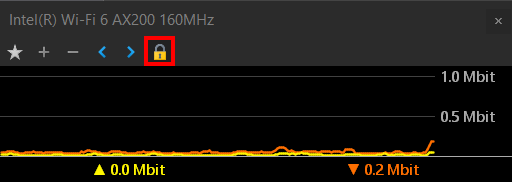
You are welcome to download the new build here.
Oh that's a great feature, thank you so much!
I will download and try now.
Happy New Year!