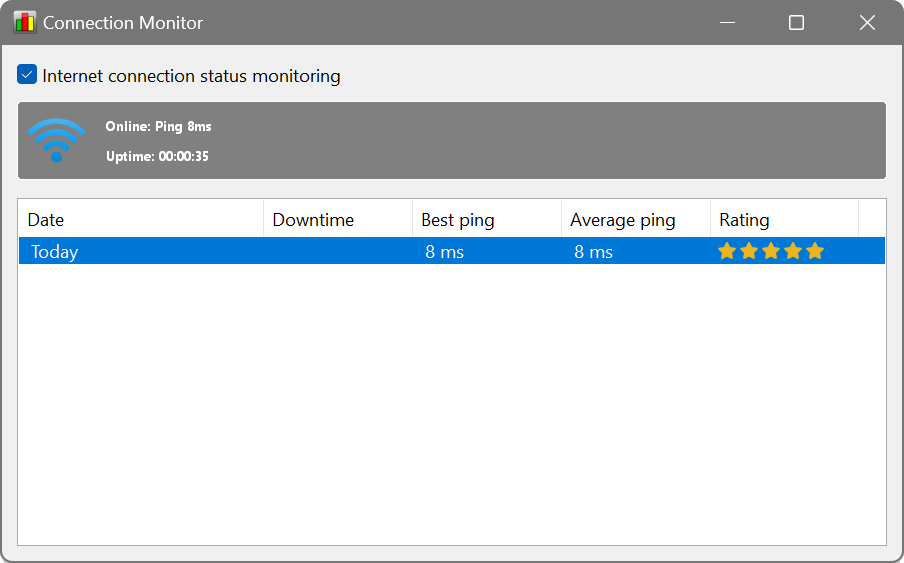
No connection status or speed graph visible
4 posts · Closed
Hi,
I have installed NetWorx on my Mac Monterey, but it does not seem to show what I need.
I want to see a graph showing connection status (my problem is that the internet goes off from time to time), as well as the upload/download speed. I see no graph on my side... What am I missing?
Paul
If you see the usage graph and data in other places in NetWorx while only the Connection Monitor window is empty, simply close the Connection Monitor window and re-open it anew.
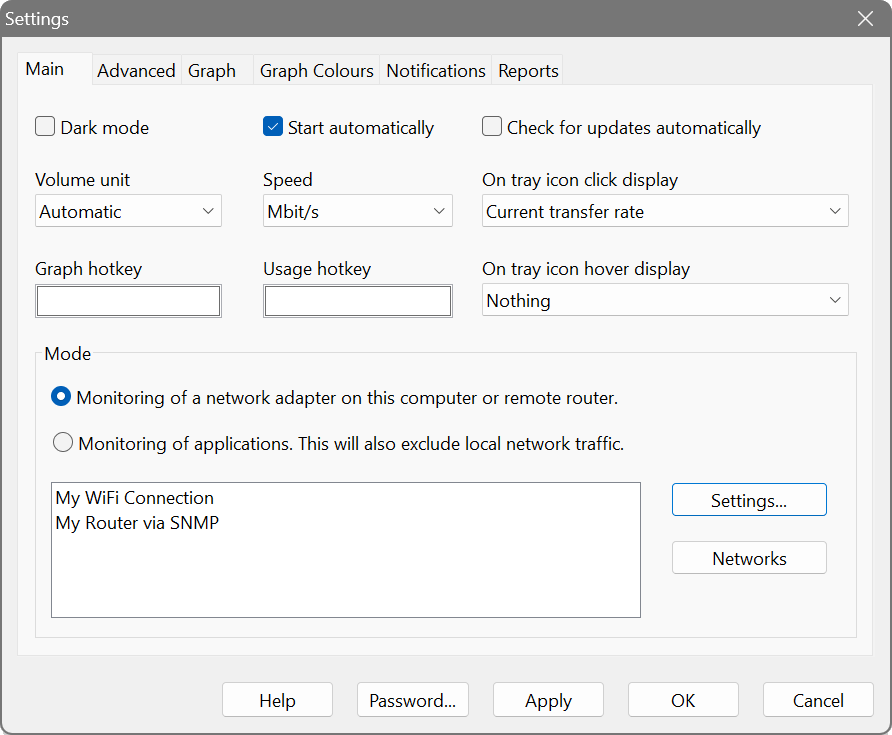
If however you don't see the usage graph and data anywhere, please check your NetWorx settings under Mode on the Main tab. It needs to be set either to 'Monitoring of applications' or 'Monitoring of a network adapter'. For the latter, please ensure that the correct adapter is being monitored by clicking the Settings button next to it.
If everything is set correctly, the top item in the NetWorx taskbar popup menu can be used to open the usage graph. You can also have the current speed displayed in the taskbar by ticking the corresponding option in the popup menu.
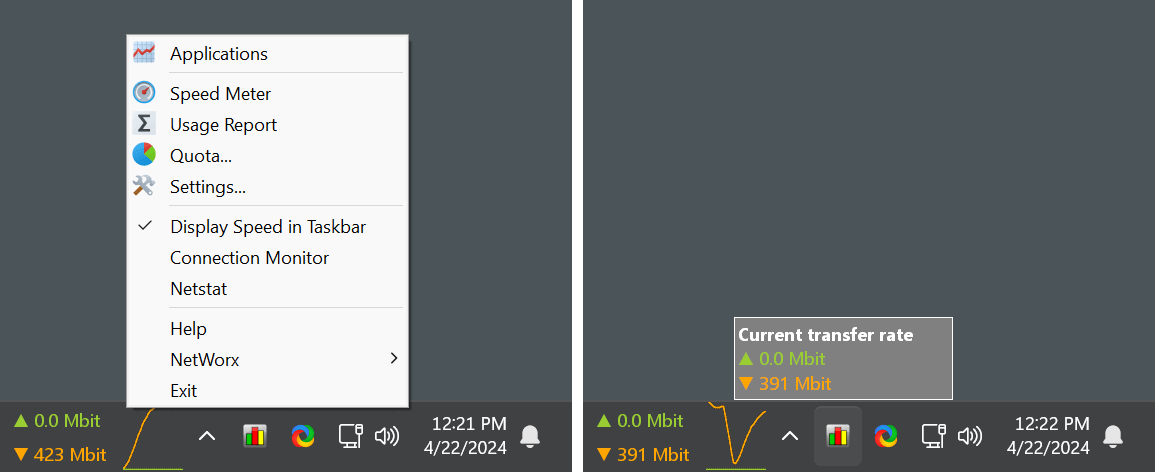
Thank you for your reply. The graph was there, on the top right corner of one of my 3 monitors, and I did not notice it at first.
As I said, I need to monitor for the internet cut-offs as well as the speed. The Speed Meter (every 5 min) works well, but the Connection Monitor window does not. There were several cut-offs but nothing appeared in the table below the strip with the ping and uptime figures.
Ideally, I would like to get a table showing the time internet goes off and comes back during the day. Is that possible?
The table below the strip with the ping and uptime figures in Connection Monitor lists historical downtime and ping.
In the older releases it was not updated in real time and instead it fetched the latest data when it was opened. If that's your case, you can simply close and re-open that window, and you will see what's been recorded. There is no need to keep it open for the monitoring to be active.
In the newer releases it is updated automatically, in real time.