Customize font size in Applications view
10 posts · Closed
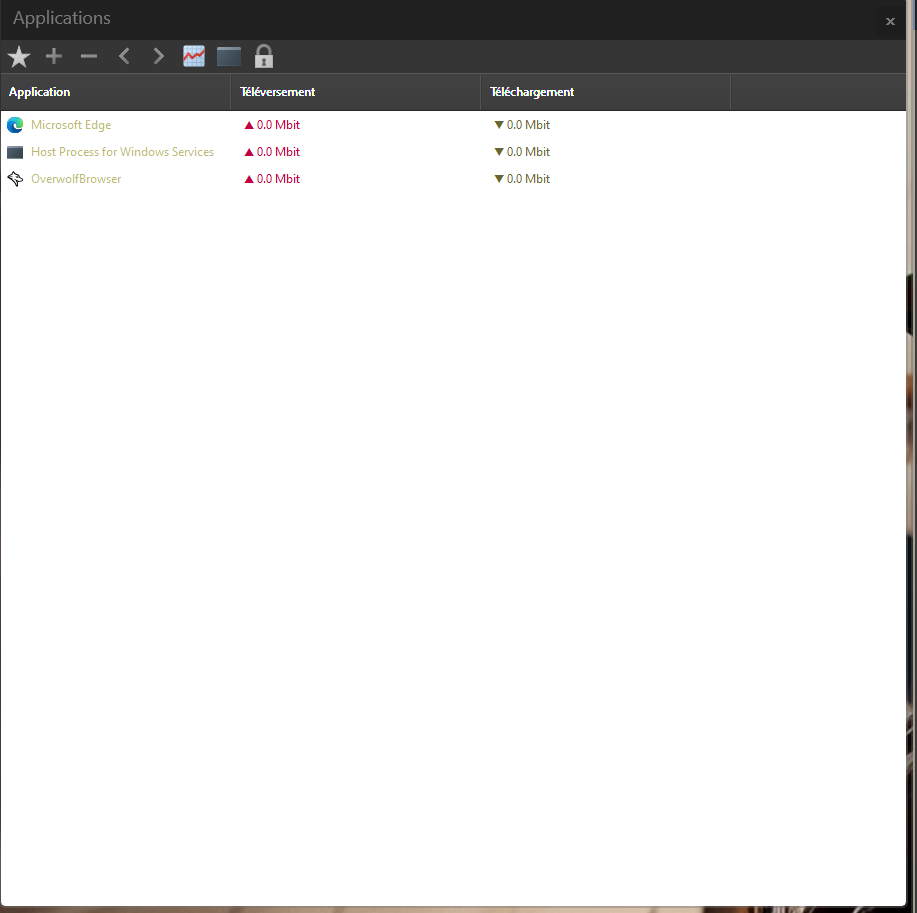
Hello there, is there a way to customize the font size in the Applications view? On a 4K monitor I can't read any information unless I stick my face on the screen... see the attached screenshot
Thanks!
Could you let me know what your system DPI settings are?
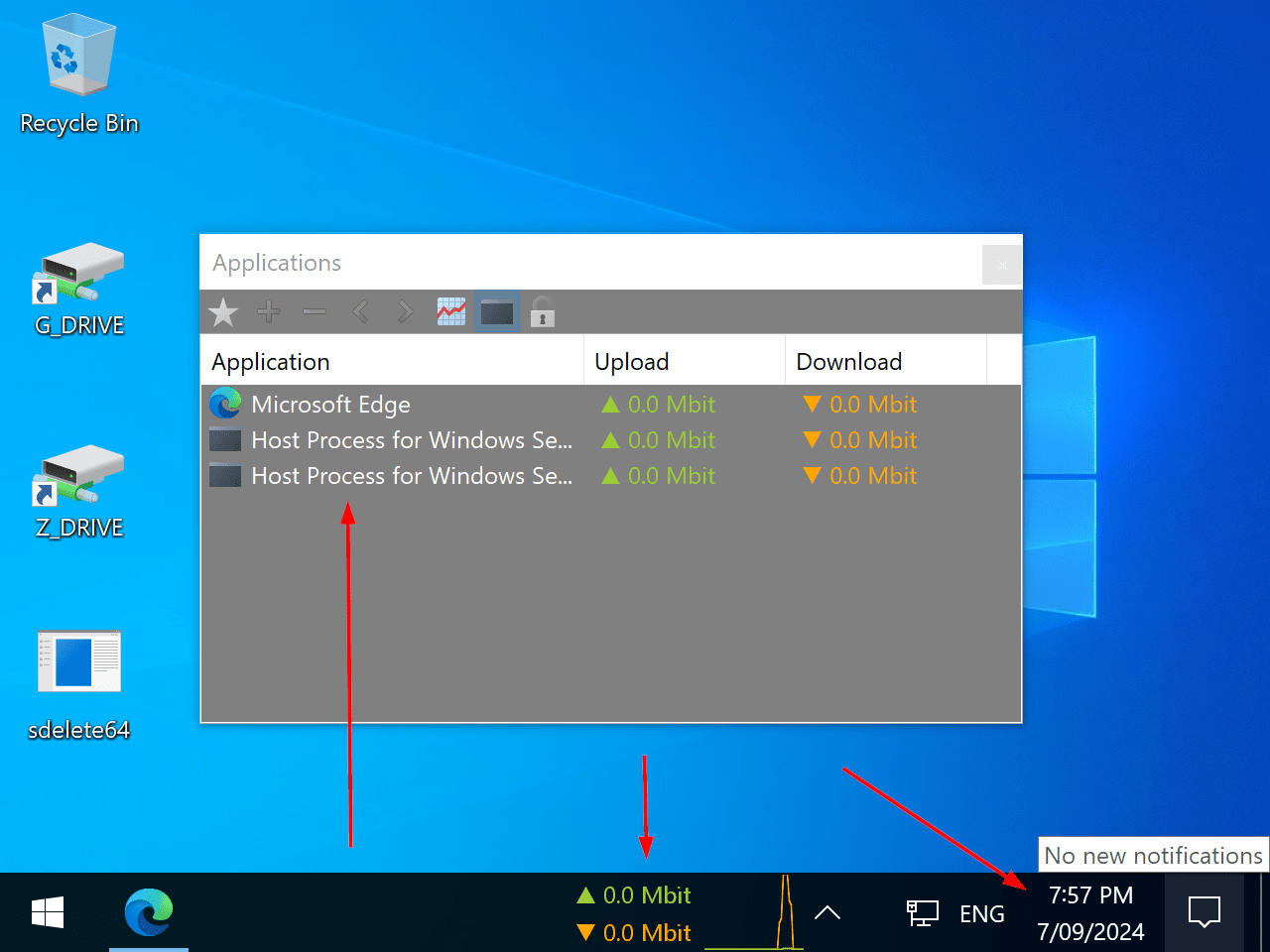
The application is designed to scale automatically based on your system settings, including DPI, so it should adjust with the rest of your system fonts. Here's a screenshot showing how it should appear.
What happens if you change the DPI scaling to 200% or 250% and restart your computer? Do the fonts in the application list remain small, or do they scale up as expected?
Also, how does the rest of the NetWorx interface look for you, such as the Settings window? Does it scale properly, or does it stay small as well?
I've rebooted after setting it to 200%, the Applications windows stays the same. Here is the graph view though, the font scales up on there correctly: 200% graph
Settings scale up just fine as well.
This is quite unusual, and we are not sure why the Applications window isn't scaling up as expected in your case. However, as a workaround and improvement, we have updated NetWorx so that the application view and popups now respect custom font settings, as shown in the screenshot below.
Please download the new build and let me know how it works for you. If the fonts are still small, you can manually adjust the font size in the settings:
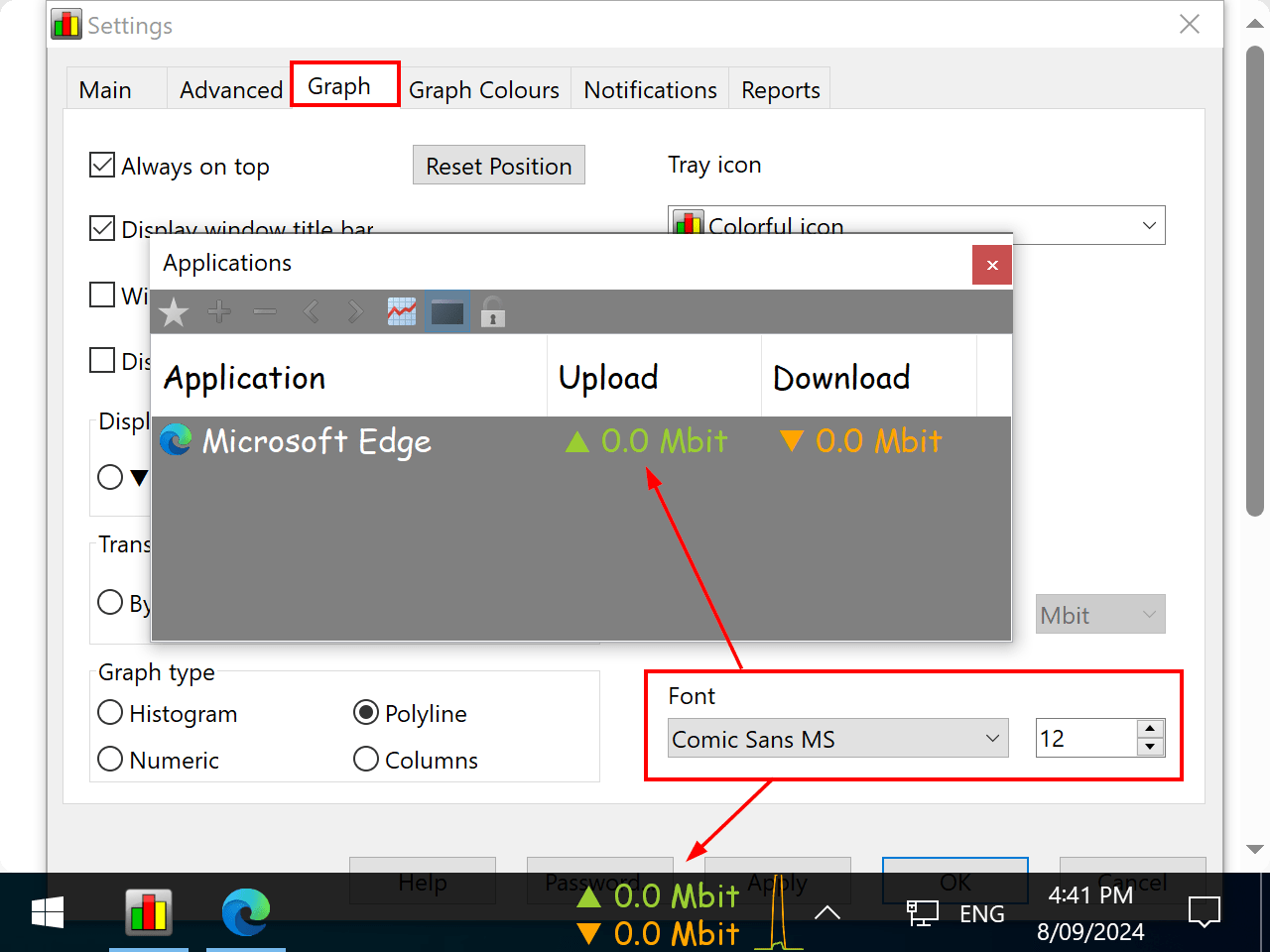
Good morning, thanks for the update. I've just installed it and the text indeed now scales with the setting, the icon doesn't though. Also the text on the speed graph scales twice:
Applications
Graph
I've not rebooted yet, though I don't think this will change afterwards. I'll be installing the software later today on my other computer and will check if the behaviour is more in-line with your screenshots.
Anyway thanks for your update, it made it much more usable.
Do you have any custom settings under Accessibility - Text size in your Windows? This may be the cause of the problem:
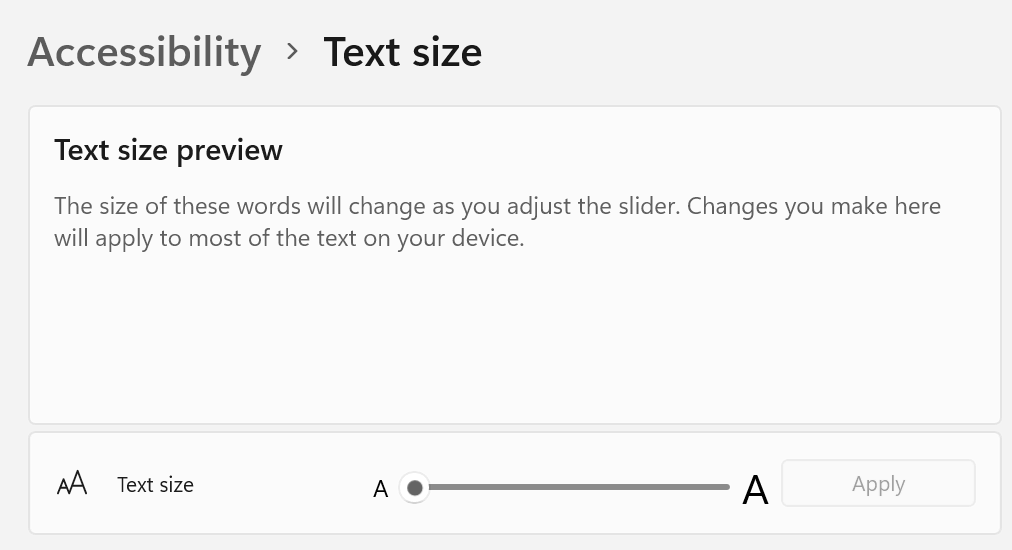
That was it!
I've installed the software on my other computer just now, and everything is fine. I've then tinkered with the accessibility tool and sure enough the text then became tiny.
I needed to set accessibility back to 100% AND reboot for it to work properly again, following the size settings in the Settings is the best result for me.
Thank you very much for your support!
Great, thanks for letting us know! Anyway, NetWorx will now respect any custom font settings in the applications view and popups.