Windows reposition after computer restart
7 posts · Closed
I have two windows on my desktop (3440 by 1440 px), monitoring as many interfaces as possible. But after a computer restart, those windows appear in a different spot. I have to reposition them every time the way I like them. Is there a way to make them 'stick'?
Assuming you are referring to NetWorx graphs, they should reopen in the same position they were in before the reboot.
If they are appearing elsewhere, please provide screenshots showing their positions before and after the restart so we can investigate further.
Same issue here.
7.2.2 fixed the blank graph issue, but on reboot, my graph drops from the top right monitor 3 to an almost random bottom right position on monitor 2. I even tried moving it to top right monitor 1, but it still ends up 4" off the systray bottom right every reboot.
We had this before, years ago, but after reinstalling it, the problem persists.
Here are the requested screens. The 02 shows the position after restart. The 01 shows the preferred position.
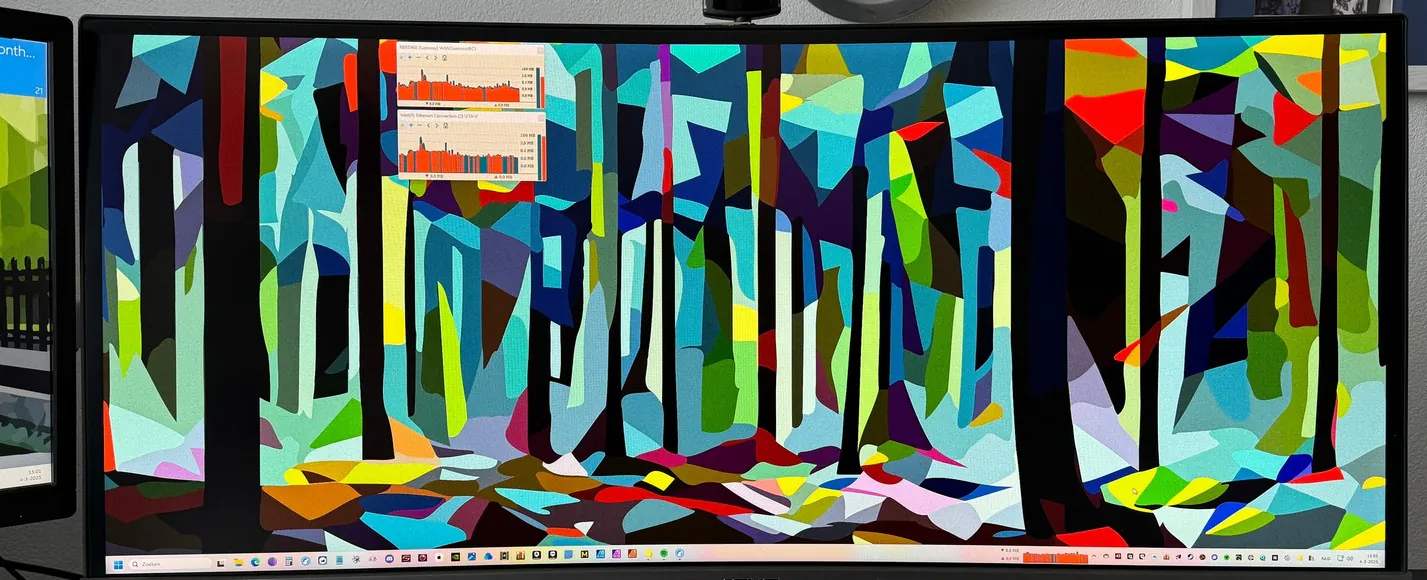
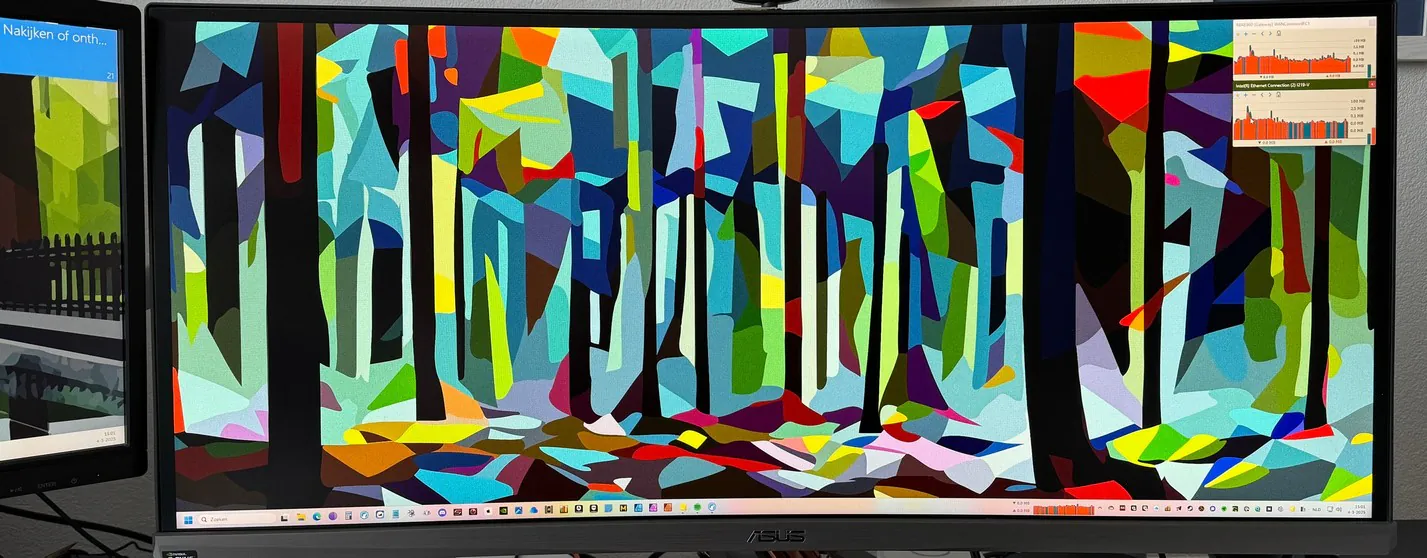
Thank you for providing the additional information. It appears we've identified the cause of the issue. I will post an update in the next couple of days.
Please try the latest build and let me know how it works for you. It should correctly retain the graph's position anywhere on the screen even with multiple monitors.
It's working perfectly now, thanks! (tu)