Desktop histogram graph missing in new version
4 posts
Hi, the old version of NetWorx allowed me to have a graph on my Windows 11 desktop (not taskbar) which displayed download rates on a histogram. How can I get that back? That is my primary reason for using NetWorx.
Also, I shrink the graph a lot for my use, but in the new version the graph lines almost disappear when they get too small.
Thanks
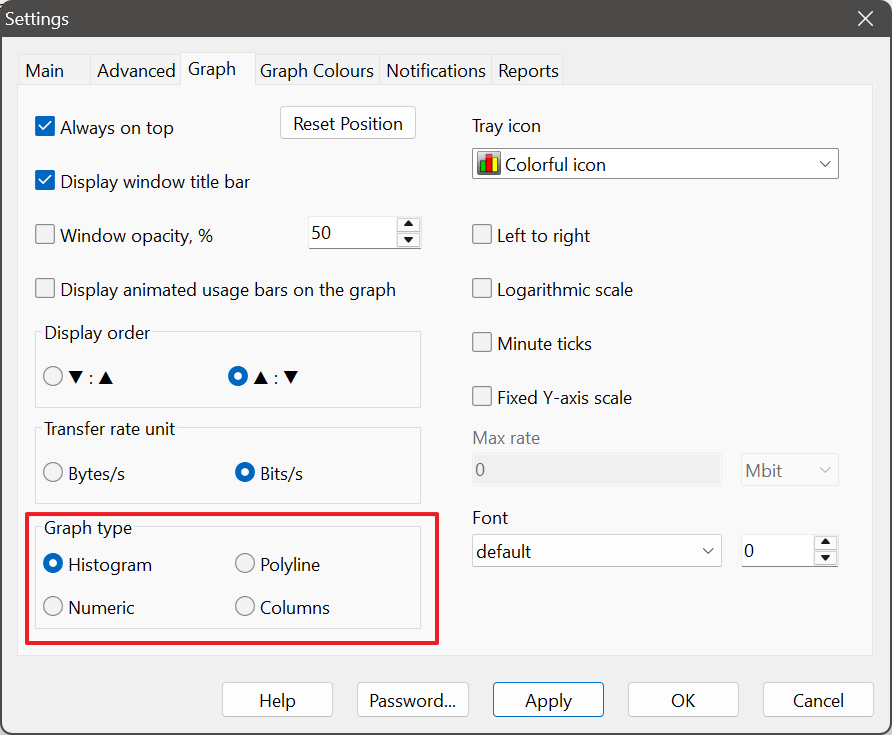
It sounds like you are referring to the graph style displayed on the desktop. In earlier versions of NetWorx, the default was histogram (bar graph), but in newer versions this has changed to polyline (line graph). You can easily switch back to the histogram view by going to Settings - Graph tab, and then selecting Histogram in the Graph type section:
To make the graph more compact, you can hide the toolbar and the window title bar, which will significantly reduce its size:
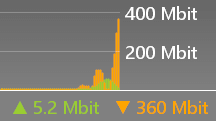
You can also set a smaller font size to shrink the graph even more:
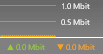
I also have Networx display a compact graph on the bottom-right corner of my display. I stuck to V6 until I read the post to remove the toolbar in the later versions, thus making the graph more compact.
I just downloaded the latest version (26.5) and configured it to hide the toolbar, but the graph is not displayed each time the computer is stared, so I had to go to Networx Settings and click the 'Reset Position' button, which displayed the graph in the middle of the screen in large size, requiring me to resize it and move it back to the bottom-right corner again. I gave up and reinstalled V6.