Menus disappear after turning off Display Speed in Taskbar
6 posts · Closed
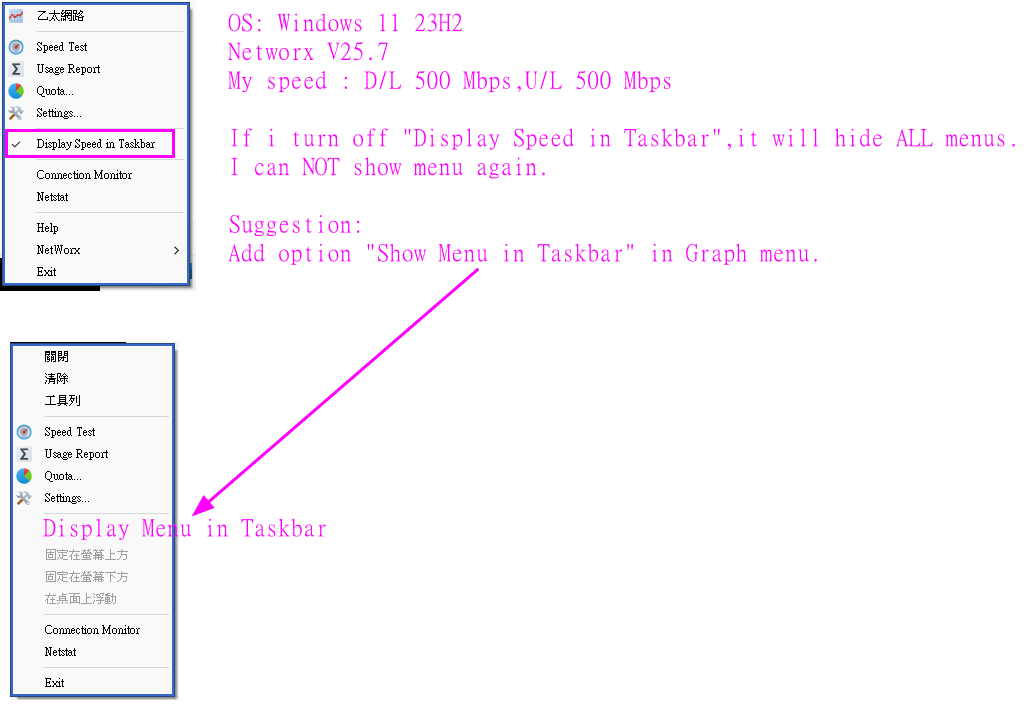
If I turn off "Display Speed in Taskbar", all the menus disappear and I can't open them again.
Can you add an option to always show the menu in the taskbar?
See attached picture for more details.
We haven't been able to reproduce this issue. Everything works fine in our tests, see the screenshots below:
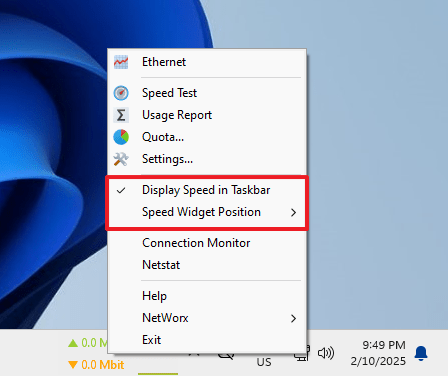
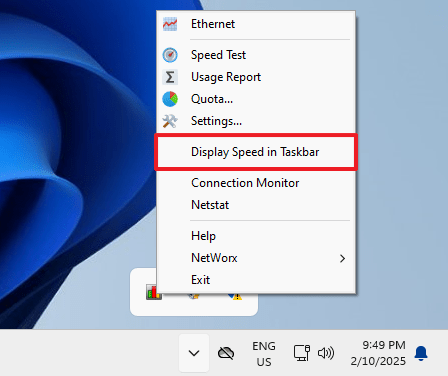
Windows 11 23H2. I cannot see "Speed Widget Position" menu item. See attached picture for more details.
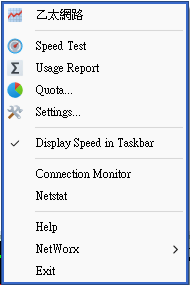
The option to display the taskbar widget on the right or left is only available when using the stock Windows 11 taskbar.
If you are running any third-party taskbar enhancements or replacements, this option will not appear. Could that be the case on your system?
I use ExplorerPatcher: https://github.com/valinet/ExplorerPatcher
That explains it. The behaviour is as expected when using ExplorerPatcher.