No traffic shown when monitoring an eero router over UPnP
4 posts
I am trying to connect NetWorx to my eero router, but I am not having any success. A search has reported to me that eero does not use SNMP for communication with software, so I am attempting to set up using UPnP. In the UPnP setup area, the only options for Gateway name and WAN interface are "eero" and "WANCommonInterfaceConfig", but that does not work. Can you please shed some light as to what may be wrong with what I am doing?
Best regards
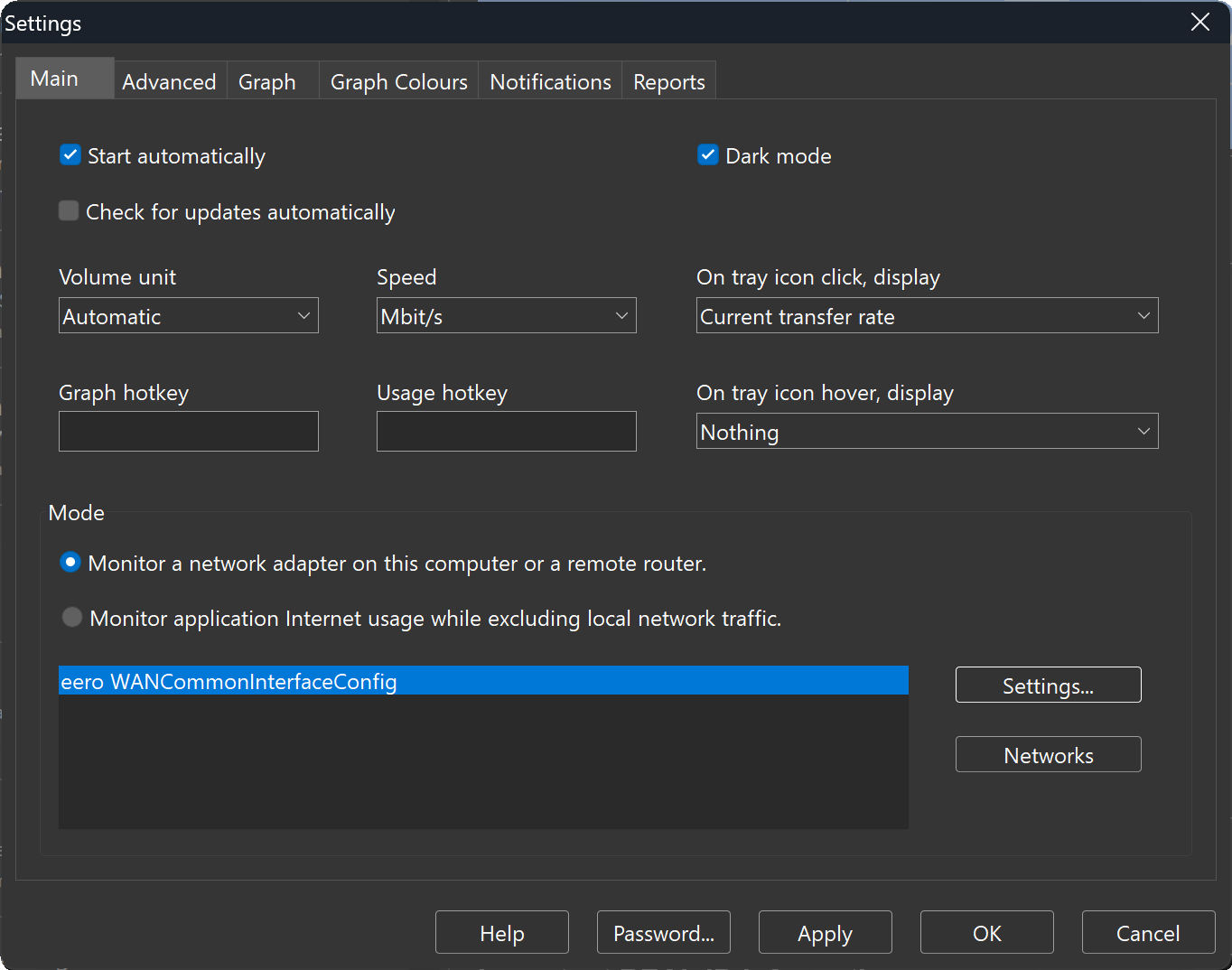
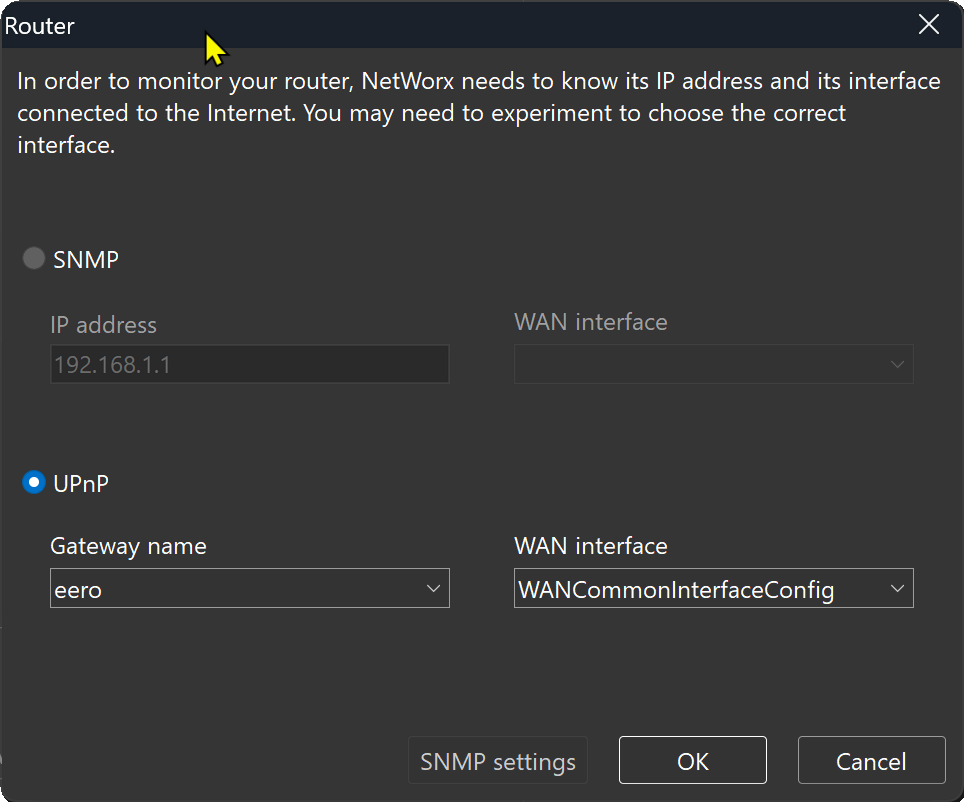
Those settings look right for UPnP: eero as the gateway name and WANCommonInterfaceConfig as the WAN interface.
What happens after you click OK? Does the graph show no activity at all, do you get an error, or does it seem to work but show the wrong numbers?
If the graph stays flat with no error, the router's UPnP implementation is most likely incomplete or doesn't work. That's quite common with consumer routers. Normally I'd suggest SNMP instead, as it tends to be more reliable, but as you found, eero routers don't support SNMP either. So I'm afraid there's no way for NetWorx to monitor traffic on an eero router directly.
What you can do is monitor each computer on its own. Install NetWorx on the computers you want to watch and select their own network adapter rather than the router, and it'll track all their traffic with no router involved. You won't get whole-network totals, but the figures for each computer will be accurate.