Add Keep Alive feature and detailed ping log
5 posts · Closed
Hi,
I have been using your program for years and I find it excellent. What I need is to add "Keep Alive" in the Settings tab and create a LOG.txt that is stored on the computer, detailed with the time / day / month with the ping.
My Internet service provider fails every few days, and I need to know when I don't have the Internet. At times when I don't have the Internet, I like to generate an audible alert.
Much appreciated.
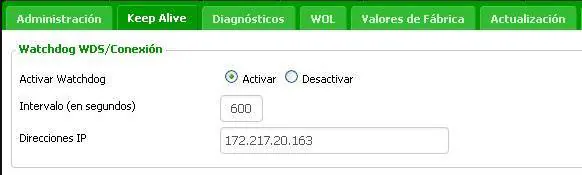
It appears you are looking for the existing feature called Connection Monitor.
It periodically pings a list of web-sites and if they cannot be reached, records an "Internet down" event. Likewise when the web-sites are reachable again, an "Internet up" event is recorded.
First of all thank you for your time, and for all the updates you make that fulfill their function perfectly. I love them since you make your software very minimalist.
Regarding the Connection Monitor function, it has many useful options with the "hidden" menu (Ctrl + O), which allow it to be permanently activated in the background, which is perfect for monitoring whether or not I have the Internet.
But what is missing for me is an audible alert, when the pings do not find access to the Internet. In the image attached is an example that you could add.
Your time is appreciated.
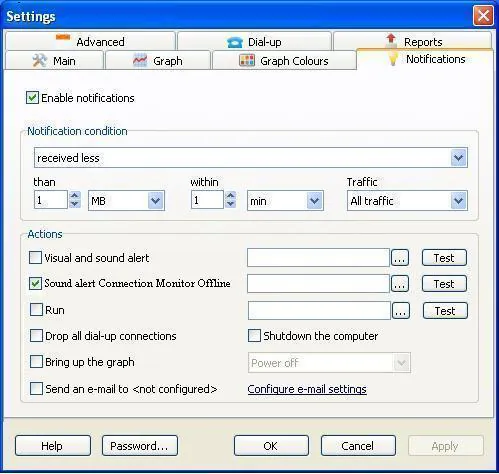
That's a good idea, but instead we have added a new setting in the Connection Monitor. You can download the new build here.
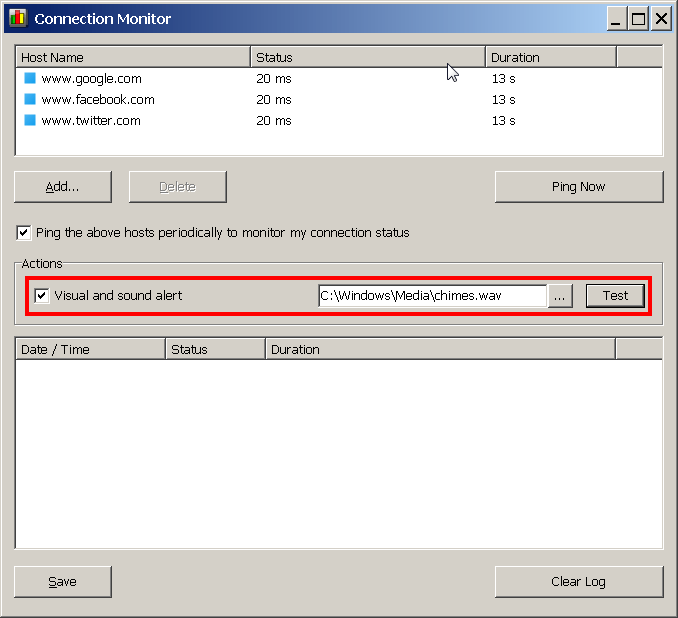
Thanks Andrew. Great improvement!
Now I can sleep or do other activities, and when the Internet goes down because of the Internet service provider, I will know immediately.