Switch port statistics not resetting after telnet deletion
4 posts · Closed
Hi,
I deleted the switch port statistics via telnet, but when I rescan with SPMapper, the data in the "errors" and "discards" columns is not reset.
Am I doing something wrong?
Thanks and best regards
I am not quite sure. Most likely when you reset the statistics, the data exposed via SNMP is either not updated, or updated with a delay (say once a minute).
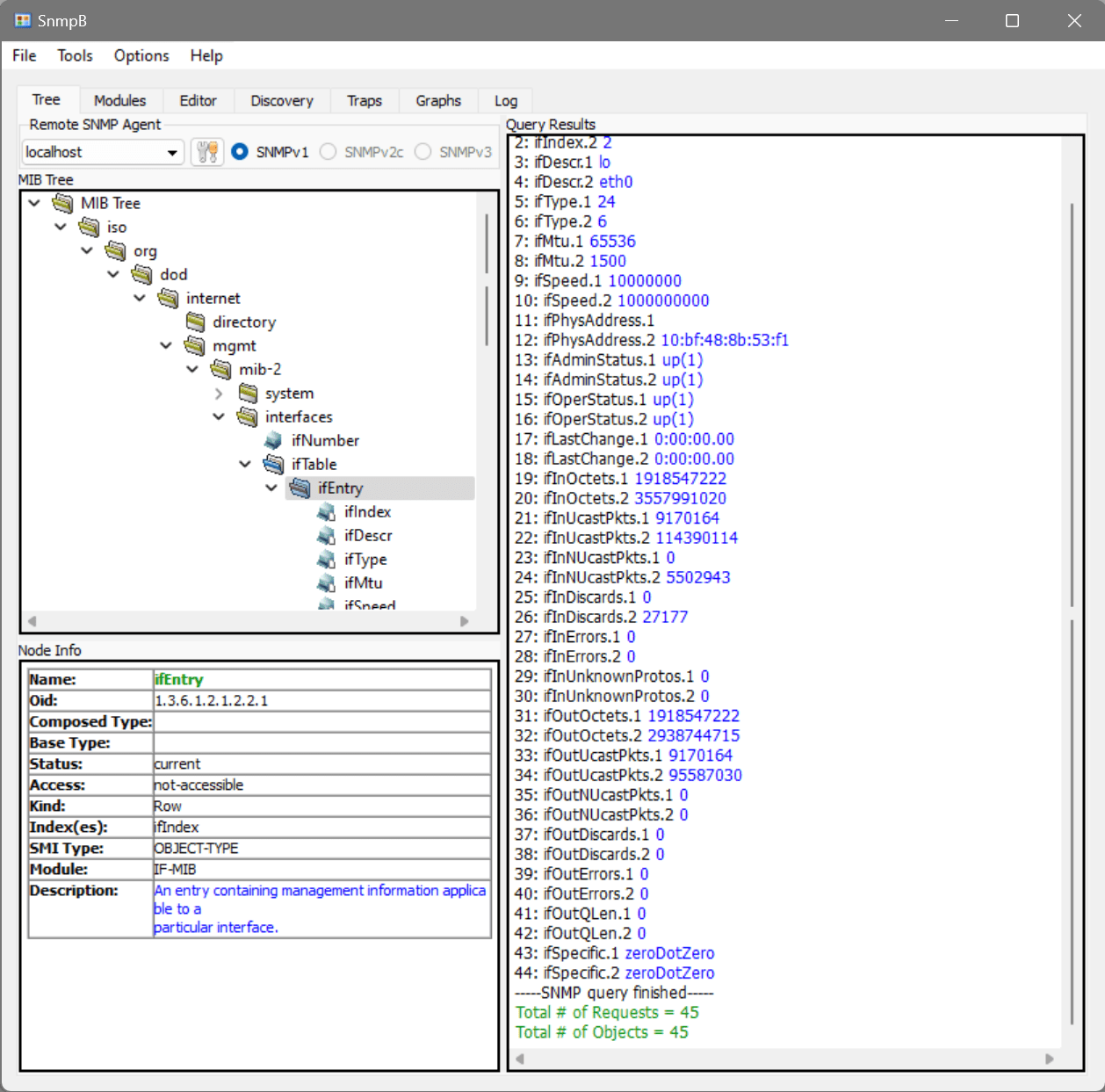
You can test it any SNMP browser, like SnmpB. Enter your switch's IP address and community and walk down the ifEntry OID. It will then display all the current interface details and statistics:
Hi
I tried the program you indicated, I confirm that it reads the 2 ports (8 and 9) correctly, that is without errors and discards.
To be sure that the program works I left port 16 with errors, and in fact it is indicated correctly.
I redid the scan but it continues to display the old data, I have the doubt that this info is written in the db then does not update it in subsequent scans.
Could it be because I am using the standalone program?
thanks
Sorry, that's not something we can reproduce. Any displayed information is not cached or stored in a database, so a rescan should always fetch the latest data.
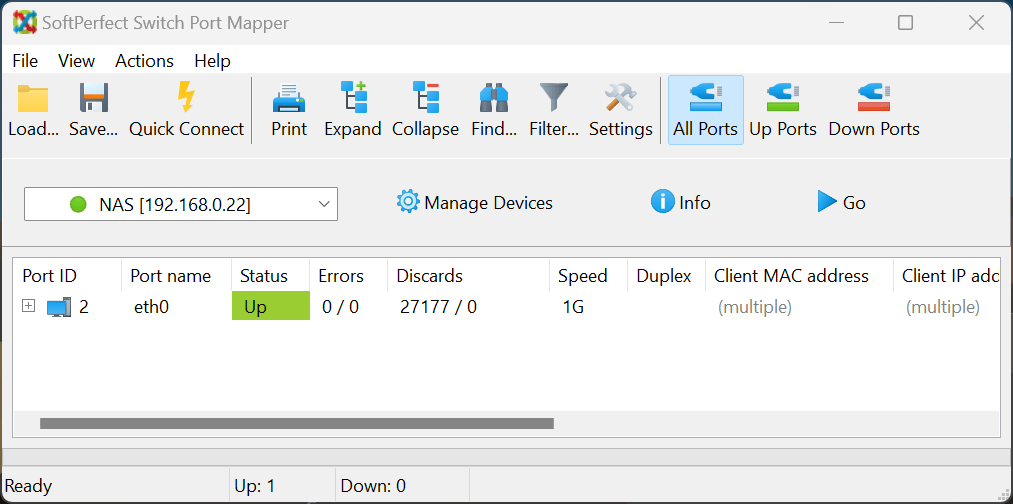
Here, I have scanned a NAS device that had a number of recorded discards on its port eth0:
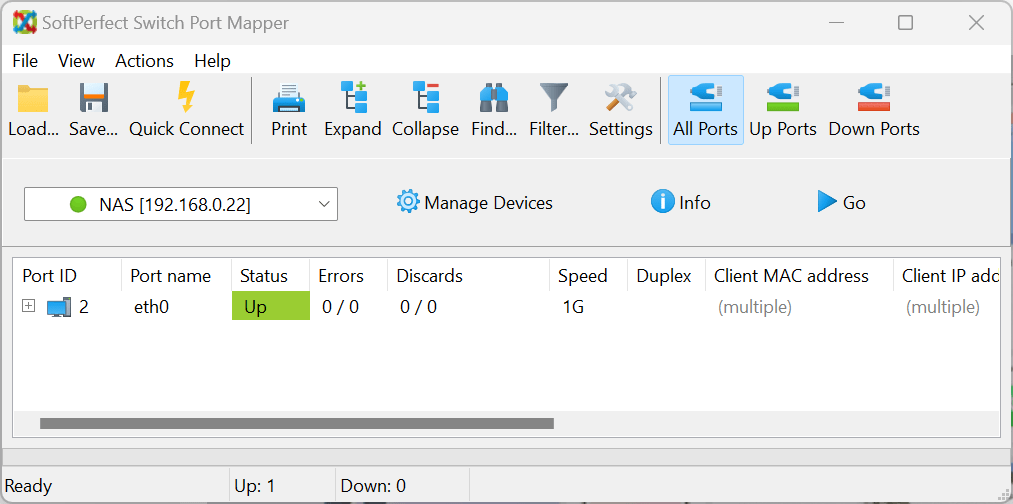
Then, I rebooted the device to clear the counters, rescanned it again, and the counters have been reset:
Perhaps you could try restarting the Port Mapper application and/or the switch to see if that changes anything?