SNMP v3 fails to pull MAC addresses on Cisco IE4010
2 posts
SNMP pulls everything except the MAC addresses with SNMP v3 from a Cisco IE4010 Software (IE4010-UNIVERSALK9-M), Version 15.2(8)E5, RELEASE SOFTWARE (fc2).
If I use SNMP v1, it works.
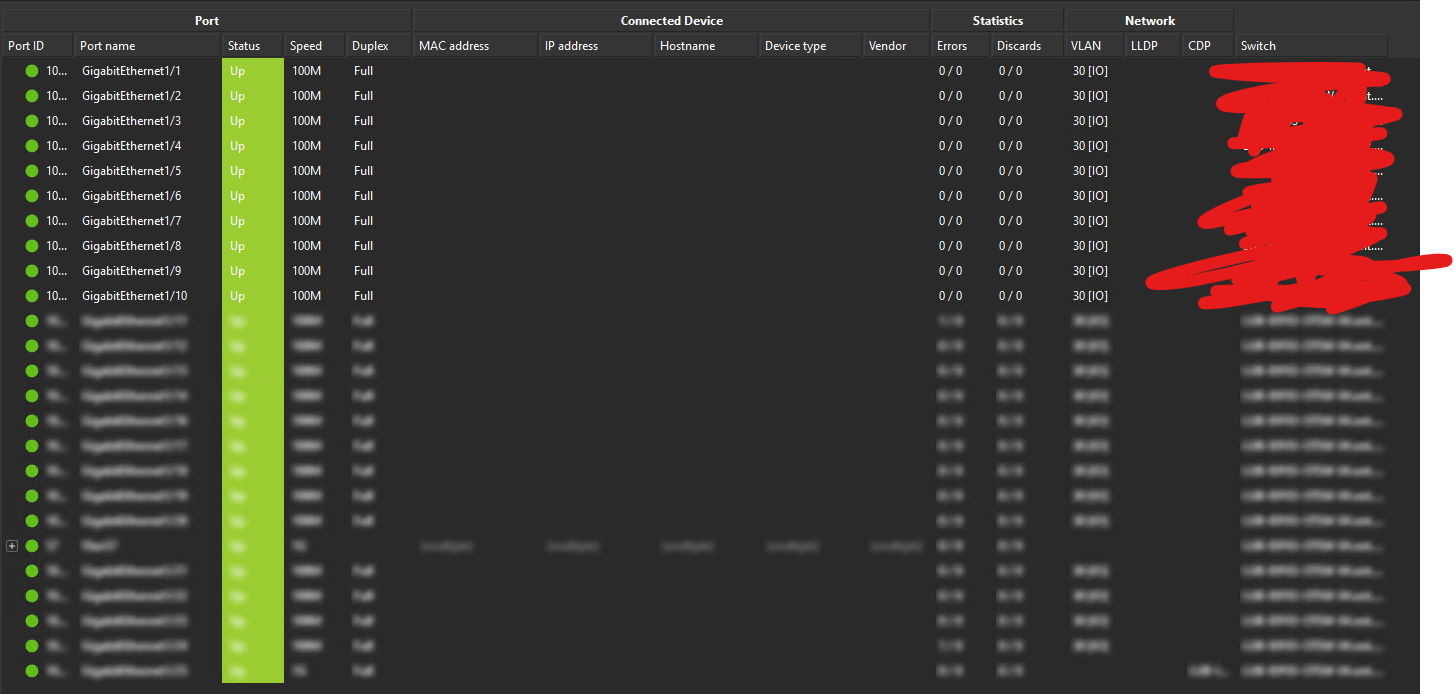
This is likely a switch-side SNMPv3 config issue, not a Port Mapper bug. Cisco doesn't expose the bridge forwarding table (MAC-to-port mappings) as a single SNMP table; instead, every VLAN has its own private copy.
- With SNMPv1/v2c, Cisco's shortcut is to append @VLAN to the community string, and the switch automatically returns that VLAN's bridge table. That's why v1 works for you.
- With SNMPv3, that shortcut doesn't exist. Each per-VLAN table lives in its own SNMP context (vlan-1, vlan-10, etc.), and your v3 user has to be explicitly authorised against each one. Port Mapper already requests them by the correct context names, but IOS is refusing because, by default, a v3 group only sees the default (empty) context.
Everything else works because ifTable, ARP, LLDP/CDP and the VLAN list all live in the default context.
On your IE4010, add this (clean version, if your image accepts match prefix):
snmp-server group <YOUR_GROUP> v3 priv context vlan- match prefix
Or the explicit per-VLAN form:
snmp-server group <YOUR_GROUP> v3 priv context vlan-1
snmp-server group <YOUR_GROUP> v3 priv context vlan-10
snmp-server group <YOUR_GROUP> v3 priv context vlan-20
(one line per active VLAN). Match priv/auth/noauth to your group's security level, and make sure the read view covers BRIDGE-MIB (1.3.6.1.2.1.17) — iso or internet is fine.
To verify before changing config:
snmpwalk -v3 -l authPriv -u USER -a SHA -A AUTHPASS -x AES -X PRIVPASS \
         -n vlan-1 <SWITCH_IP> 1.3.6.1.2.1.17.7.1.2.2.1.2
Empty before the fix, MAC entries after. Once the switch returns data there, Port Mapper should be able to fill in the MAC column over v3 the same way it does over v1.