No-GUI batch script for importing config and mounting RAM disk
4 posts · Closed
How to import disk definitions/config and mount RAM disk without GUI pop-up screen in a batch script?
My script for importing disk definitions and mounting RAM disk:
c:\Progra~1\softpe~1\ramdisk.exe /import:"c:\temp\Ramdisk-xml" /mount: A
It is held on the pop-up GUI screen, so it cannot continue running the remaining command.
Trying adding /hide, i.e.:
c:\Progra~1\softpe~1\ramdisk.exe [b]/hide[/b] /import:"c:\temp\Ramdisk-xml" /mount: A
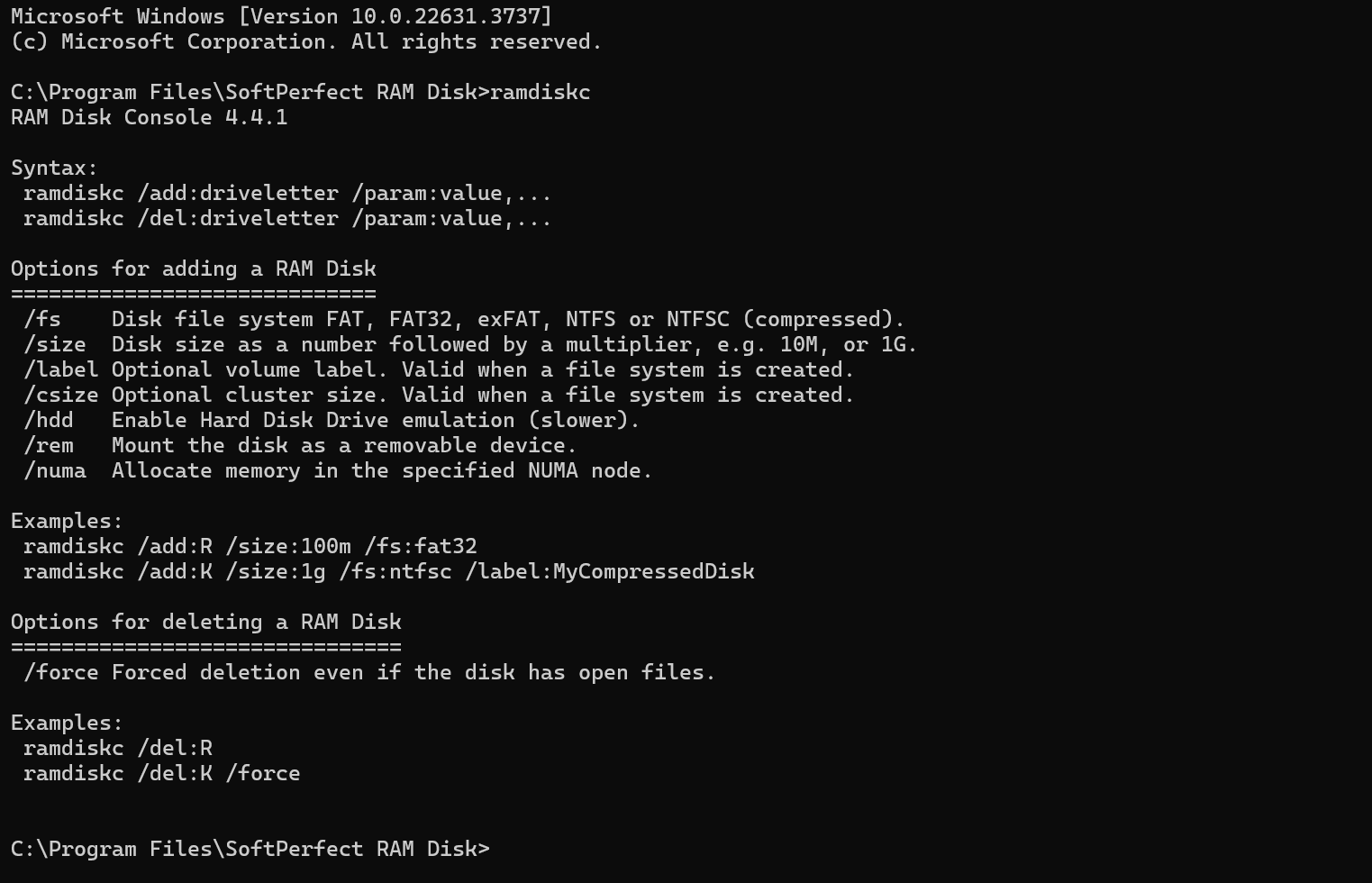
However if you intend to add and delete disks on the go, it is better to use the console version of the RAM Disk application. Those RAM disks will not show up in GUI and will disappear on shutdown or reboot.
Thank you for your prompt reply. Now it can hide the popup screen. But it still stays at the command prompt.
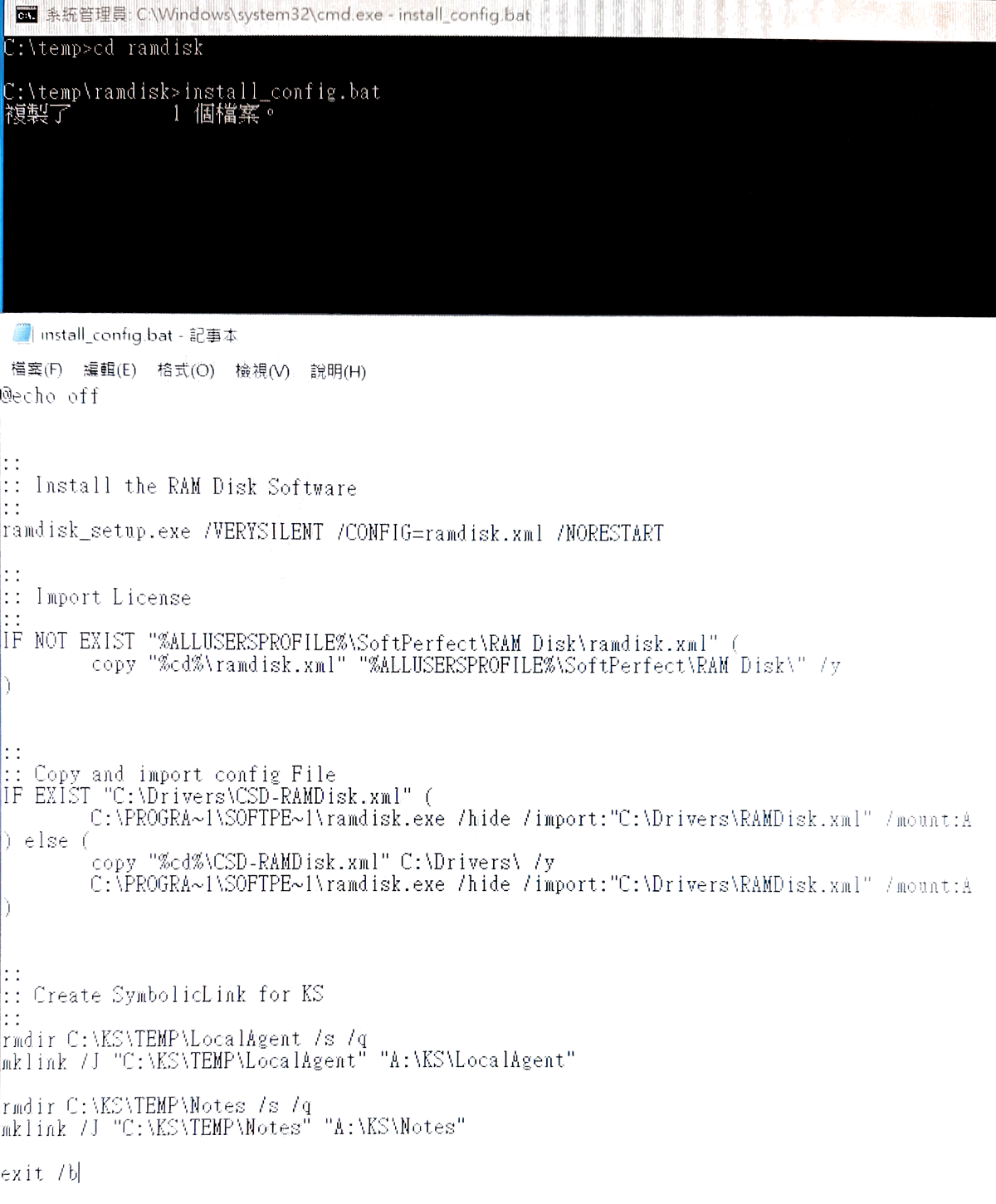
That's because the process (ramdisk.exe) is still running, so the batch file will not continue. As a workaround, you can use the start command:
start c:\Progra~1\softpe~1\ramdisk.exe /hide /import:"c:\temp\Ramdisk-xml" /mount: A
In this case the batch file execution will continue without waiting for ramdisk.exe to quit.