Cannot mount image if location is different from %username%
4 posts
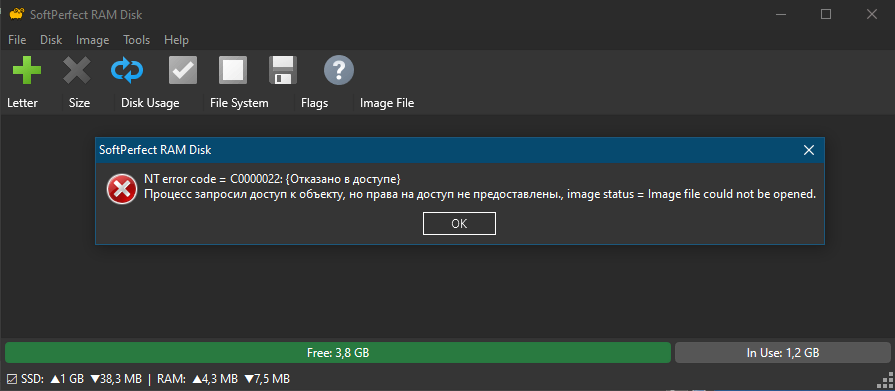
Recent builds hardened the driver: a manual mount now opens the image file with your own account's permissions instead of SYSTEM. Your profile folder gives you full access, so it works there. Elsewhere you may only have read access, and the image needs read and write.
To fix it, right-click the .img file → Properties → Security → Edit, select your account, tick Modify and click OK. If that is not enough, do the same on its folder.
Alternatively, set the disk to mount At Startup. The service does those mounts as SYSTEM, so permissions do not matter.
I was only able to mount the image after granting “Full Control” to the “Users” group or to a specific user.
Now, when creating a new image, do I have to manually configure its security settings?
If I simply create a disk with the image, an error occurs, which is resolved by restarting the computer.
If I simply unmount the disk, I can’t remount it; I have to restart the computer.
Sorry, indeed Modify is not enough. The driver asks for full access to the image, which only Full Control grants.
No need to do it per image: set Full Control once on the folder that holds them, and every image there, existing or new, inherits it.
The errors after creating and unmounting are the same thing. A restart only helps because At Startup disks are mounted by the service as SYSTEM. If creating a disk still fails after the folder change, please post the exact message.