How to check if exFAT error is RAM disk or physical RAM
2 posts · Closed
An example, but the same for Chrome data folder on that exFAT disk: "File cannot be accessed for one of the following reasons: either there are problems with the network connection, the disk with the file, or the storage with the drivers installed on this computer, or this disk is missing. Telegram Desktop program will be closed due to this error."
I use the latest RAM Disk version (official release). The disk size is 4608 MB. I understand an exFAT issue has been later fixed in the pre-release. How can I check if this issue is with the RAM disk and not with the RAM itself?
First of all, please try the latest build of the RAM disk. We have fixed a couple of exFAT issues there.
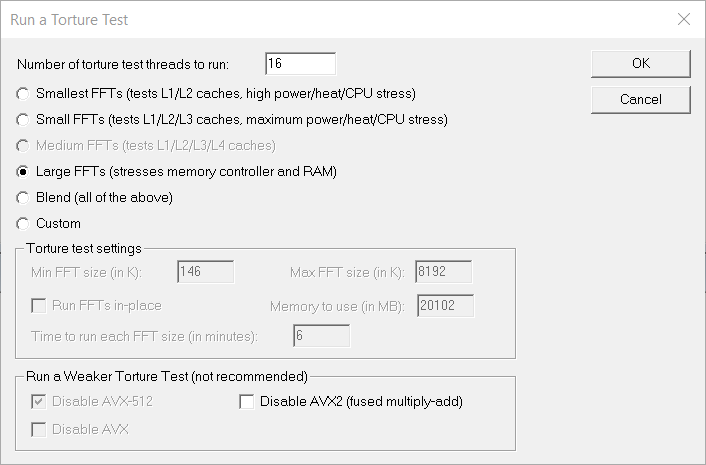
If that doesn't help, it is either a file system corruption, or memory corruption, or both. The Prime95 tool is pretty good at detecting faulty memory.
Choose a Torture Test with Large FFT or Blend and let it run for a few hours.