Difference between processed and extra wear data
3 posts
I have a couple of questions:
- Are the processed data and the extra wear data the same or different things?
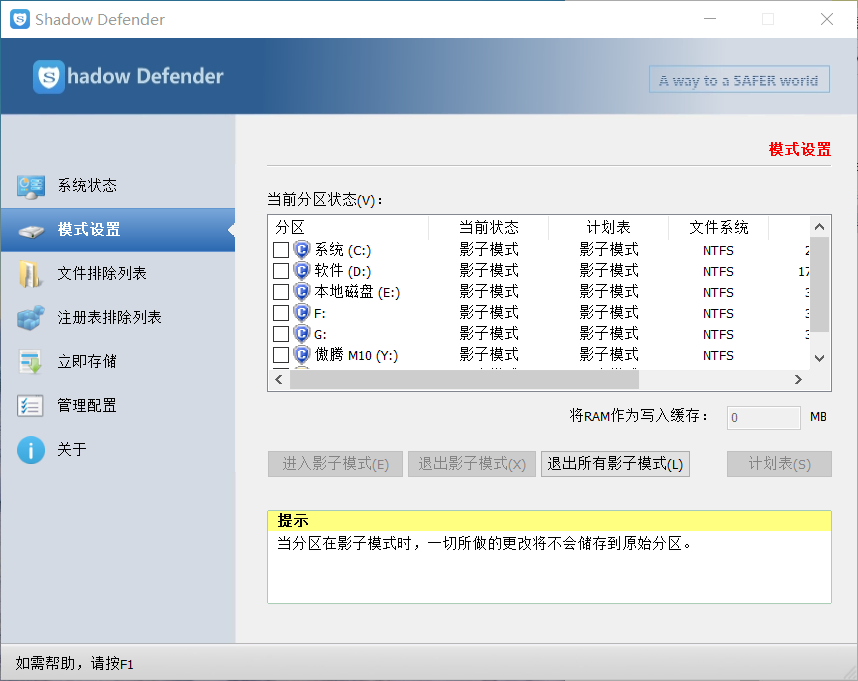
- If I use Shadow Defender, after a restore on reboot, can the extra wear data under shadow mode be accumulated and displayed?
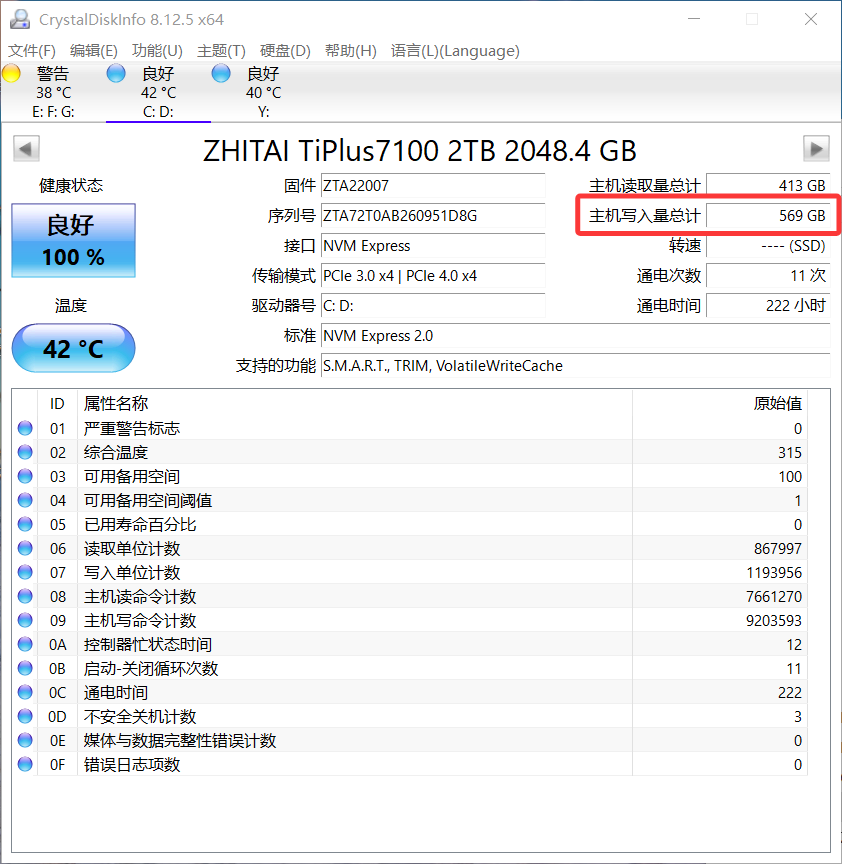
For example, if the original extra wear data is 10MB, and in shadow mode I wear down another 20MB, normally the extra wear should be 10MB + 20MB = 30MB. However, after restarting the computer and restoring, in shadow mode, the 20MB wear isn't counted, and it still only shows 10MB extra wear, even though in reality it's 30MB. The DiskInfo64 software can accumulate write wear under Shadow Defender, and it would be great if it could be improved to also accumulate extra wear from Shadow Defender (or other restore-type software).
Thanks!
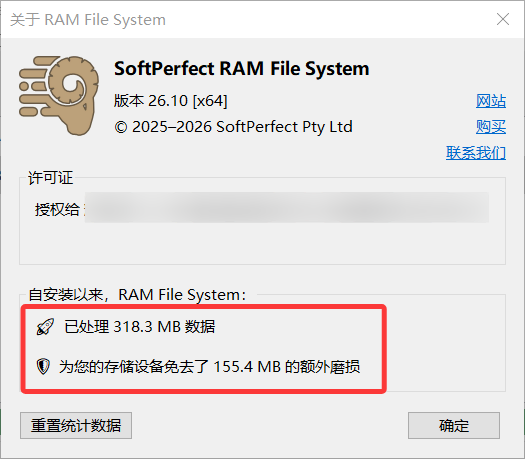
They are two different counters. The Processed number is everything read from and written to the RAM disk, while the Extra Wear figure counts only the writes, because reading doesn't wear SSDs out. So in your screenshot, 155.4 MB was written and the other 162.9 MB was read.
Regarding Shadow Defender: RAM File System keeps these totals in the registry, under
HKEY_LOCAL_MACHINE\SYSTEM\CurrentControlSet\Services\ramfs\LifetimeStatistics
When you put your disk C: in shadow mode, Shadow Defender discards that change on restart along with everything else, so the counter goes back to its old value. CrystalDiskInfo isn't affected because it reads the SSD's own internal counters, which are kept in the drive's firmware where Shadow Defender can't reach them.
Shadow Defender's Registry Exclusion List is made exactly for this. Add the above key to it - and the totals will carry over across restarts.
Thanks for your detailed answer, it gave me a better understanding of RAM File System. Today I purchased the RAM File System with a home license and permanent updates. It feels faster and more user-friendly than SoftPerfect RAM Disk, and I can also adjust the size of the mounted drive letters. This setting is very reasonable and convenient. I'm looking forward to RAM File System becoming even more useful.