Allow custom sender address for email notifications
2 posts · Closed
Hi,
WiFi Guard has the ability to send an email when an unknown device is detected. An improvement would be to allow the use of a sending address that is different from the account username. For instance, I would like the email to be sent from [email protected], but if that is not my username, the program can't do it.
Please include this feature with the next software update.
Thanks.
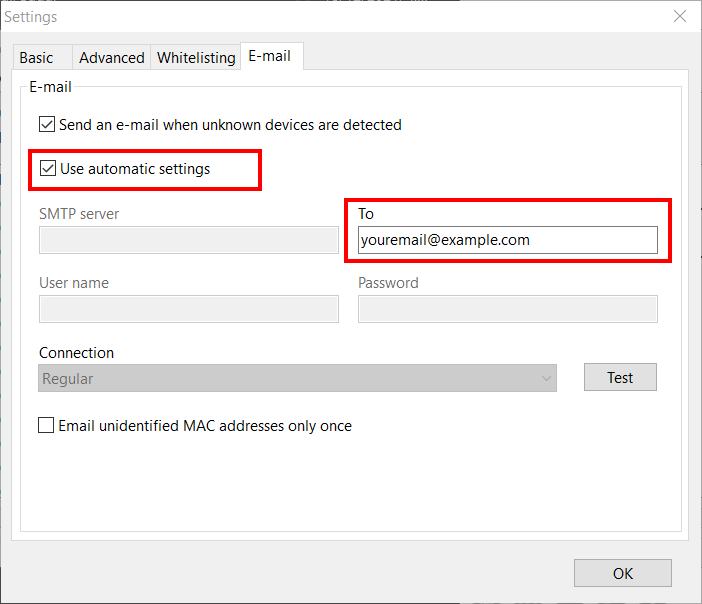
Many SMTP servers do not allow specifying a non-existent or someone else's sender email address. Therefore, we have instead updated WiFi Guard, so that it would use the product name as sender for emails. This change comes with a simplified SMTP setup where you only need to provide the recipient address, and there is no need to enter the username and password.
In WiFi Guard Settings, on the E-mail tab, simply tick Use automatic settings. After that, WiFi Guard will be using our SMTP server and the emails will be coming from WiFi Guard ([email protected])