How to move (export and import) the saved known addresses and comments
2 posts · Closed
nikes
Hi everyone,
I recently purchased a license and transitioned from the portable version to the latest installable version for Windows. However, I've noticed that my configurations, known addresses, and the comments I added for each address do not appear in the installed version.
Is there a way to import and export these configurations and values?
Thanks in advance!
Andrew SoftPerfect
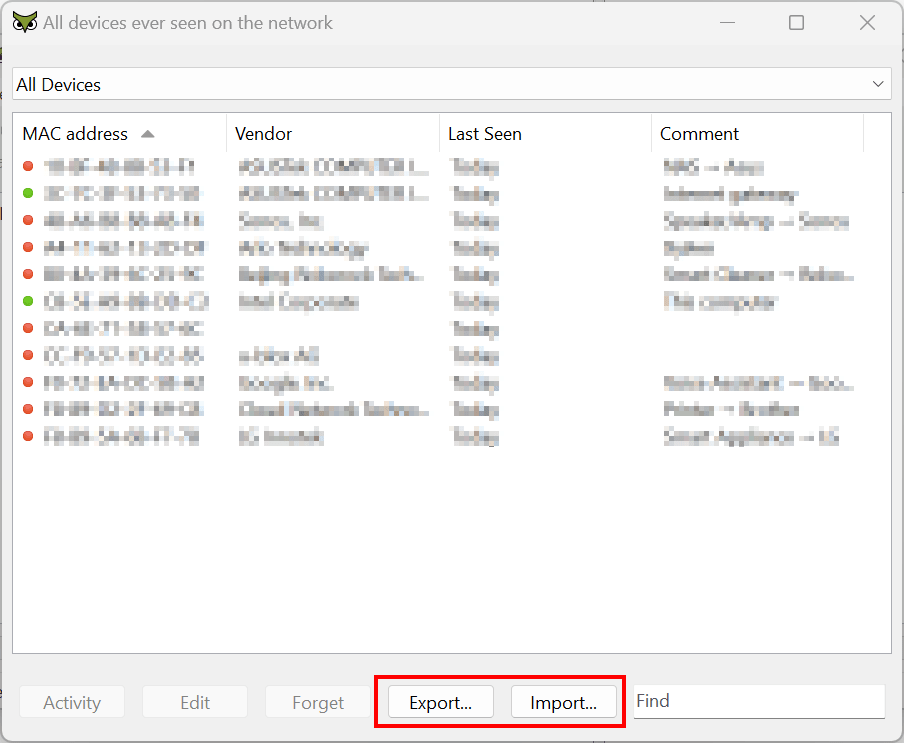
Simply click "All Devices - Export" in the portable version and save the list to a file. Then, in the installed version, click "Add Devices - Import" to transfer the data:
This topic is closed.
It has had no new posts for over a year, so the software versions it talks about may be out of date.
Start a new topic in WiFi Guard if you have a similar question.