Scheduling
The software supports bandwidth management based on time of day and day of week. To access this feature, select Tools - Schedules from the main menu. Every schedule describes a weekly chart, when it is either active or inactive:
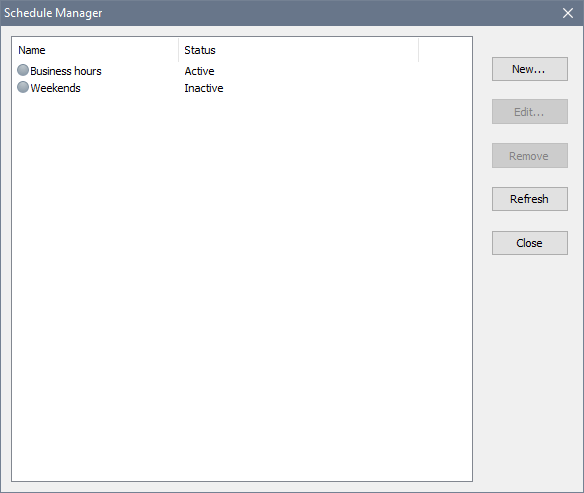
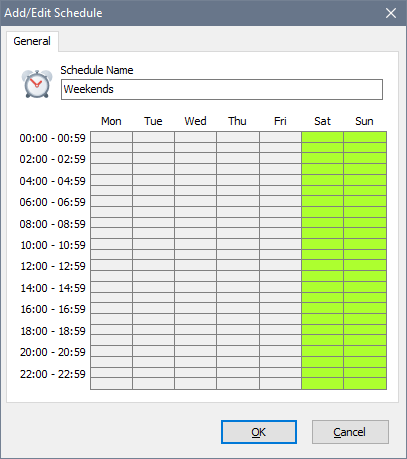
To define a schedule, click the New button. In the new window specify a schedule name and mark the hours when the schedule should be active. Green squares indicate active periods. In the example below, the entire weekend is made active:
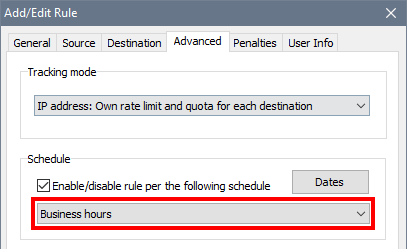
As soon as you create a schedule, you can link a rule with the newly created schedule in the Advanced tab in the rule properties. The software will enable and disable the rule in accordance with the schedule.