Trimming images
Trim acts on the selected images, or on every image that is ready when none is selected.
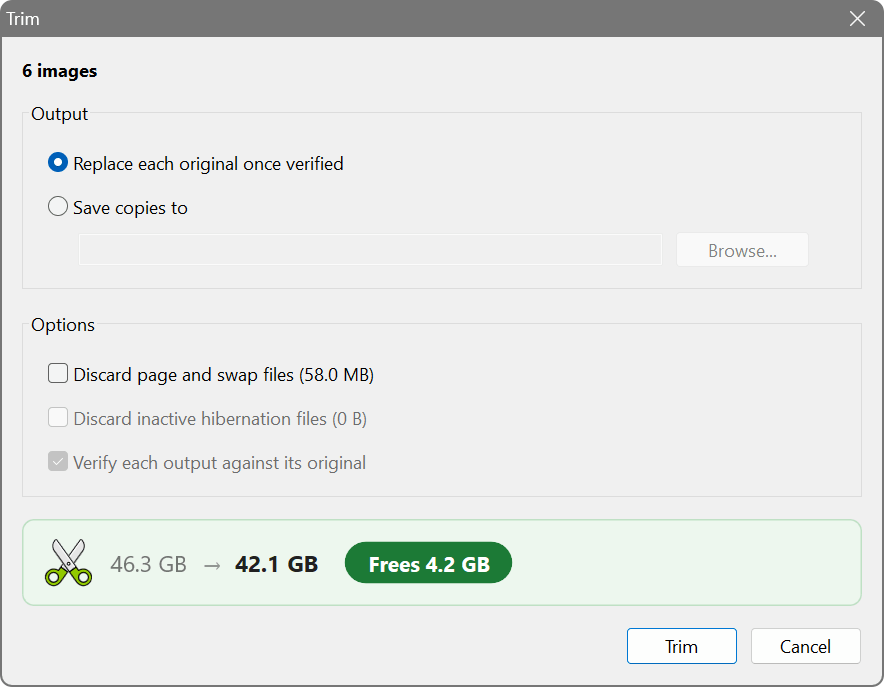
The Trim dialog for six images
Output
- Replace each original once verified. The trimmed image is written beside the original, compared with it, and only then takes its place under the same name. Until that moment the original is untouched, so a trim can be stopped or fail at any point without harm. Room for the trimmed image is needed next to the original while the trim runs.
- Save copies to a folder. Each trimmed image is written there under its own name and in its own format, and the originals are left alone. This is the cautious choice for a first trim: attach the copy to the virtual machine, check that it starts, and delete the original when you are satisfied.
A replaced image keeps its name, format and identity, so the virtual machine needs no reconfiguration.
Options
- Discard page and swap files. Leaves out the contents of the guest’s page file or swap space, which only matter while the guest is running. The guest recreates them at its next start. Linux swap partitions are included; swap space holding a suspended session is kept.
- Discard inactive hibernation files. A hibernation file that holds a hibernated session is always kept, whatever this option says.
- Verify each output against its original. Always on when originals are replaced. For copies it may be switched off to save time, since the originals remain.
Which of these files can be found depends on the guest file system; see Supported formats and file systems.
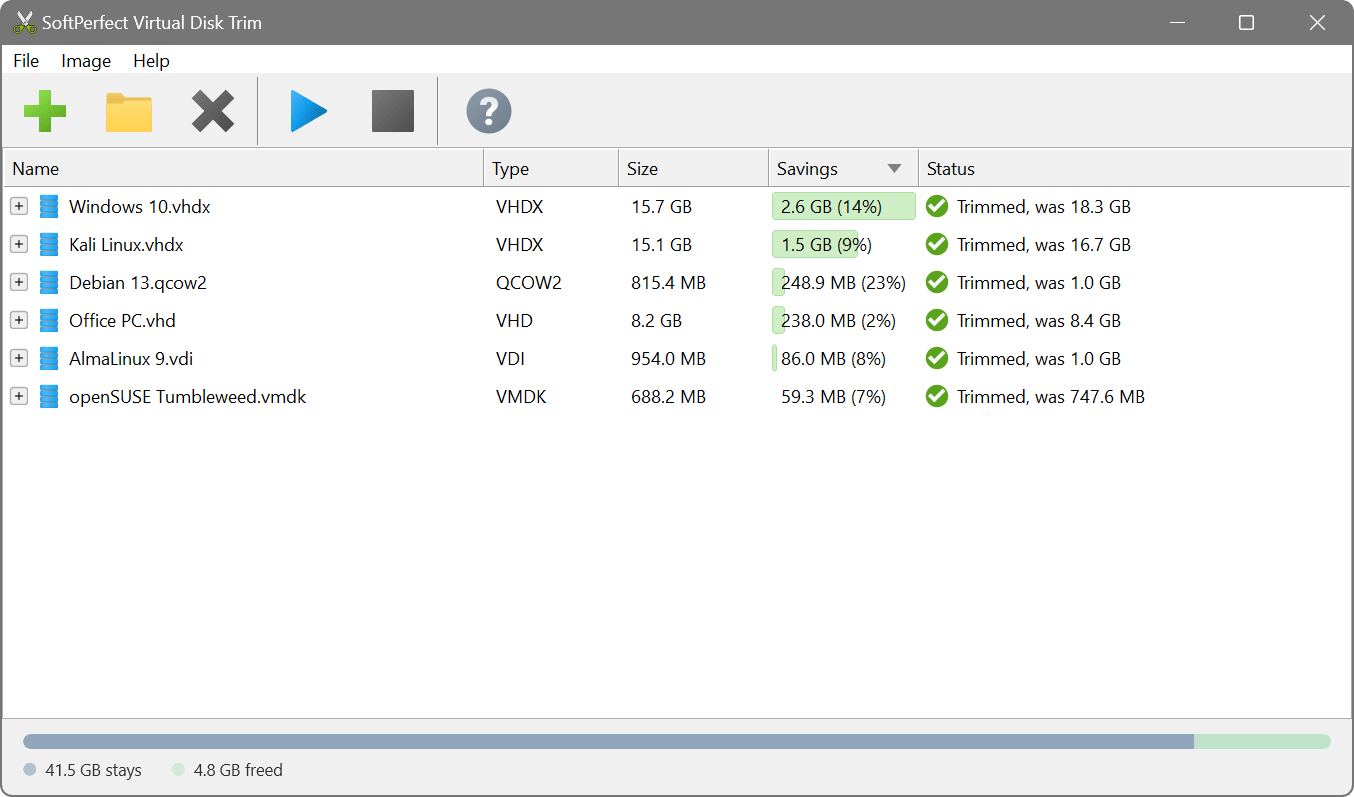
After the trims: the new size of each image, what was saved, and the size it had before