Device discovery
In addition to scanning IP address ranges, the Network Scanner includes several specialised discovery tools that use broadcast and multicast protocols to find devices on the network. These tools do not require you to specify an IP range. Instead, they announce themselves to the local network segment and collect replies.
UPnP device discovery
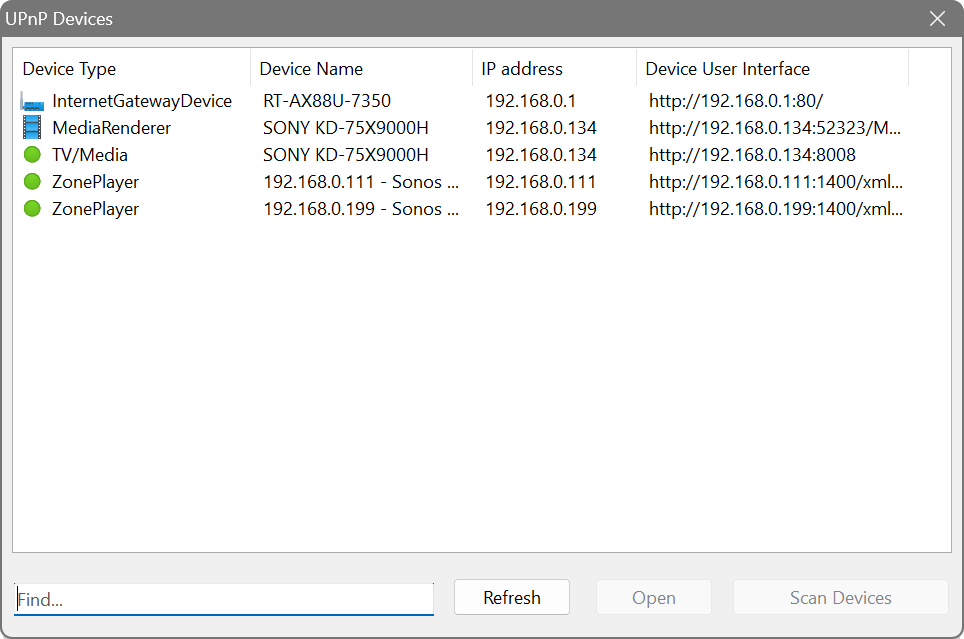
This tool discovers Universal Plug and Play (UPnP) devices such as media servers, routers, NAS devices and printers by broadcasting an SSDP (Simple Service Discovery Protocol) message.
Choose Actions → UPnP Device Discovery from the menu. The dialog lists each device’s Device Type, Device Name, IP address and Device User Interface URL. Click a URL to access the device’s web interface. Click Scan Devices to start the discovery and Refresh to update the list.
mDNS device discovery
Multicast DNS (mDNS), also known as Bonjour or Avahi, is used by many devices to advertise their services without a central DNS server. This is common on Apple devices, Linux systems, printers, IoT devices and smart home equipment.
Choose Actions → mDNS Device Discovery from the menu. The dialog shows Device Type, Device Name, IP address and Device User Interface for each discovered device. Click Scan Devices to begin and Open to connect to a selected device.
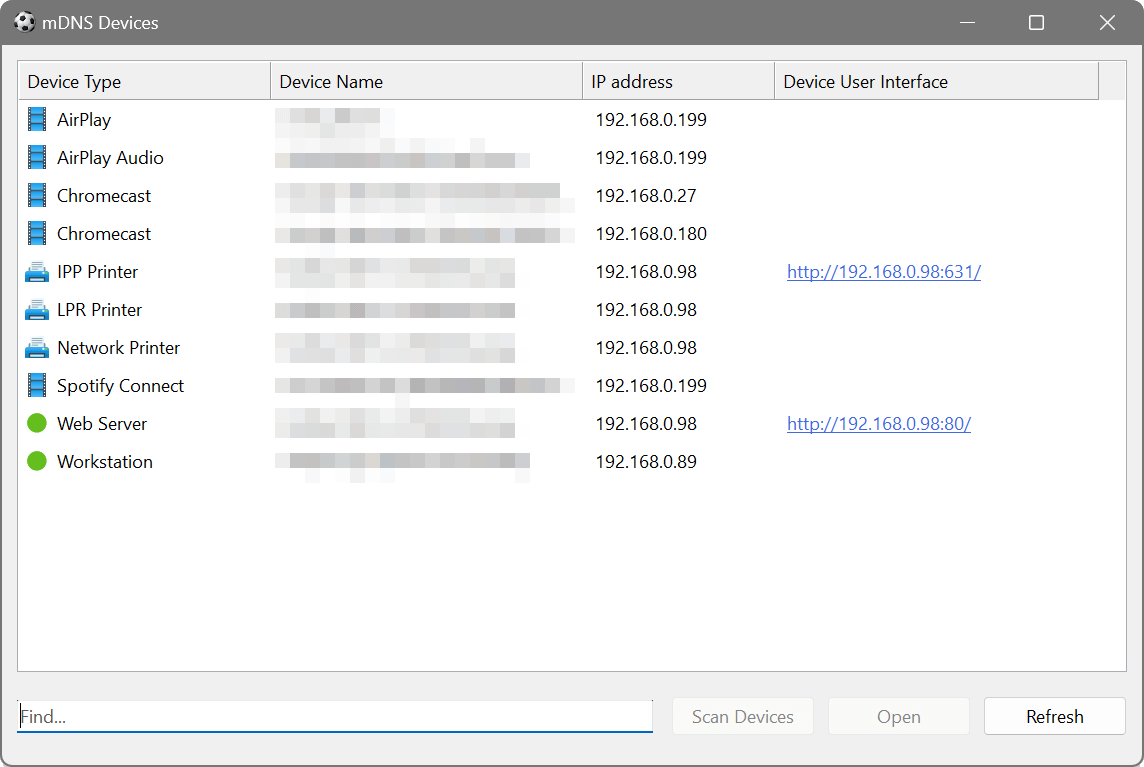
Run the mDNS discovery to see all Bonjour-advertised services on the network. Apple TVs, HomePods, AirPrint printers and other Apple-compatible devices will appear in the list along with their service types.
WSD device discovery
Web Services for Devices (WSD) is a Microsoft protocol used primarily by Windows-based printers, scanners and multifunction devices to advertise themselves on the network.
Choose Actions → WSD Device Discovery from the menu. The interface is identical to the UPnP and mDNS dialogs, showing Device Type, Device Name, IP address and Device User Interface.
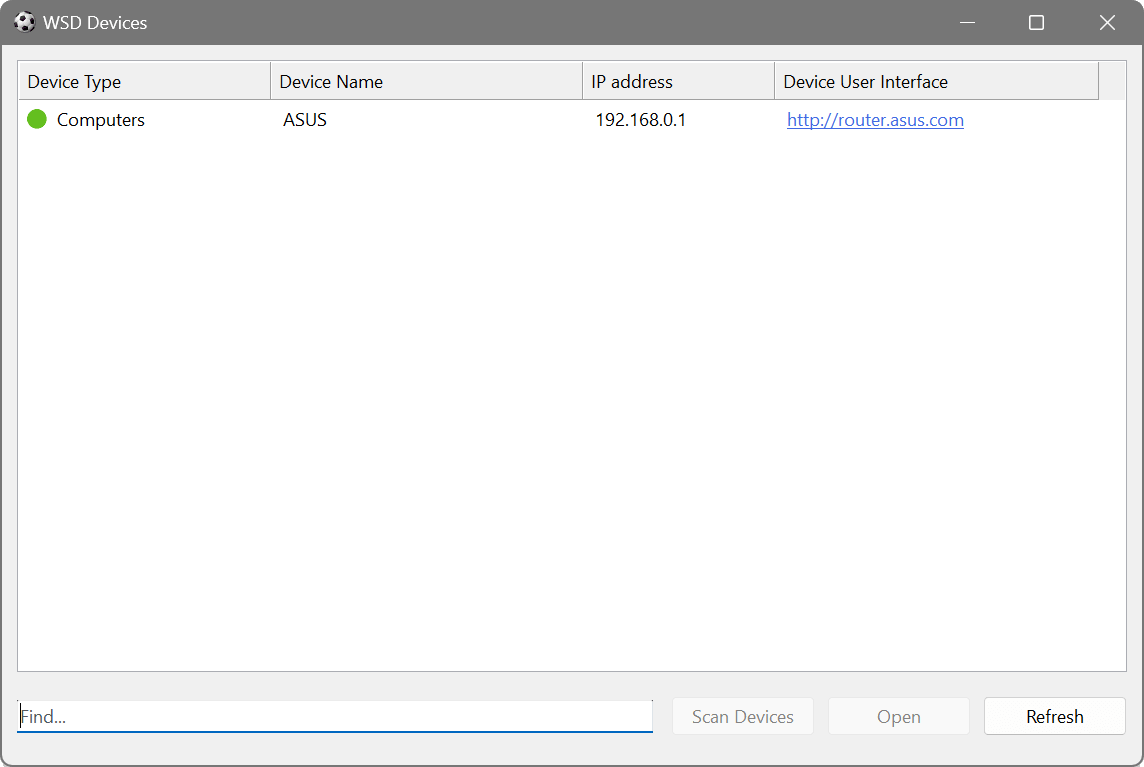
Run both the WSD and UPnP discoveries to build a comprehensive list of network printers. WSD will find Windows-oriented printers, while UPnP will find those advertising via SSDP. Combine this with the mDNS discovery to also find AirPrint-compatible printers. Together, these three protocols cover most printer discovery methods in use today.
ONVIF device discovery
ONVIF (Open Network Video Interface Forum) is a standard used by IP cameras and video management systems. This tool discovers ONVIF-compatible cameras and video devices on the network.
Choose Actions → ONVIF Device Discovery from the menu. Unlike the other discovery dialogs, ONVIF shows camera-specific columns: Brand & Model, Firmware & Serial, IP address and Stream URL. Click Open to connect to a camera’s stream URL.
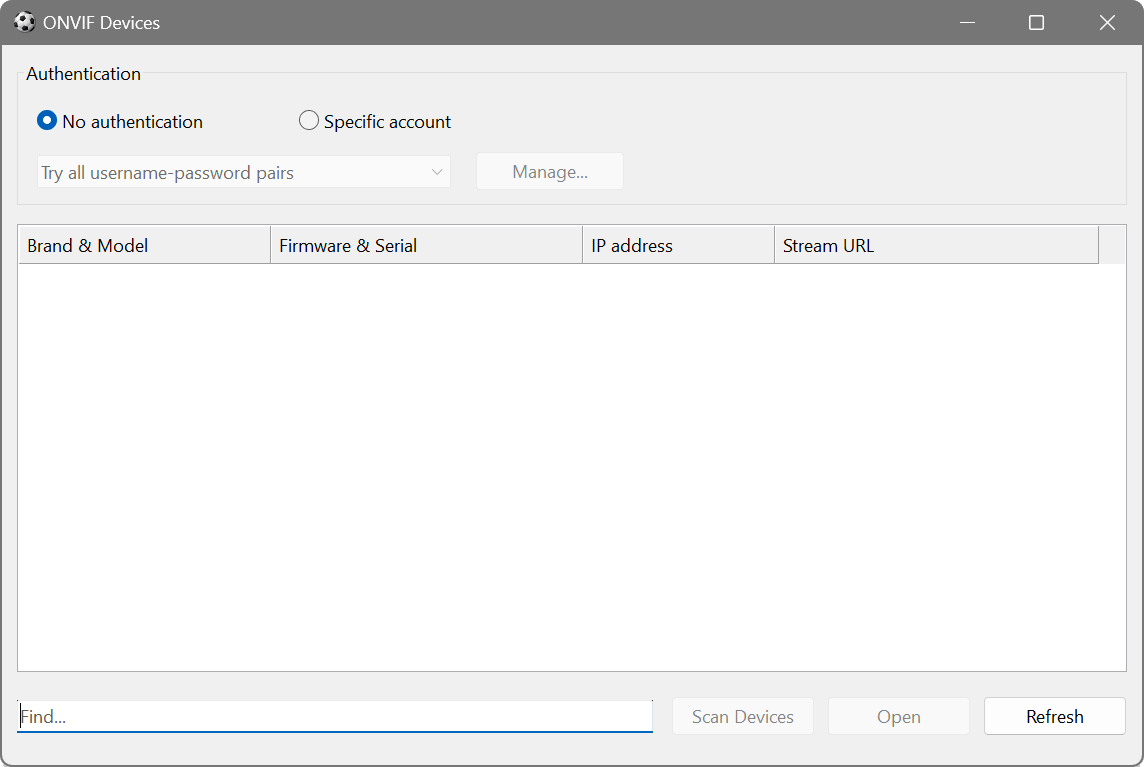
Some cameras require authentication. If your cameras are password-protected, enter credentials in the authentication section of the dialog before scanning.
Run the ONVIF discovery to see all IP cameras on the network, their brands, firmware versions and stream URLs. This is useful for verifying that cameras are online, checking firmware versions for updates, and discovering cameras that may have been installed without IT knowledge.
Which protocol to use
| Protocol | Best for |
|---|---|
| DHCP | Finding DHCP servers (including rogue ones) |
| UPnP / SSDP | Routers, media servers, NAS devices, some printers |
| mDNS | Apple devices, Linux systems, IoT devices, AirPrint printers |
| WSD | Windows-based printers and scanners |
| ONVIF | IP cameras and video management systems |