Remote WMI
WMI (Windows Management Instrumentation) provides access to a wide range of system information on Windows devices. Choose Options → Remote WMI from the menu or press Ctrl+W.
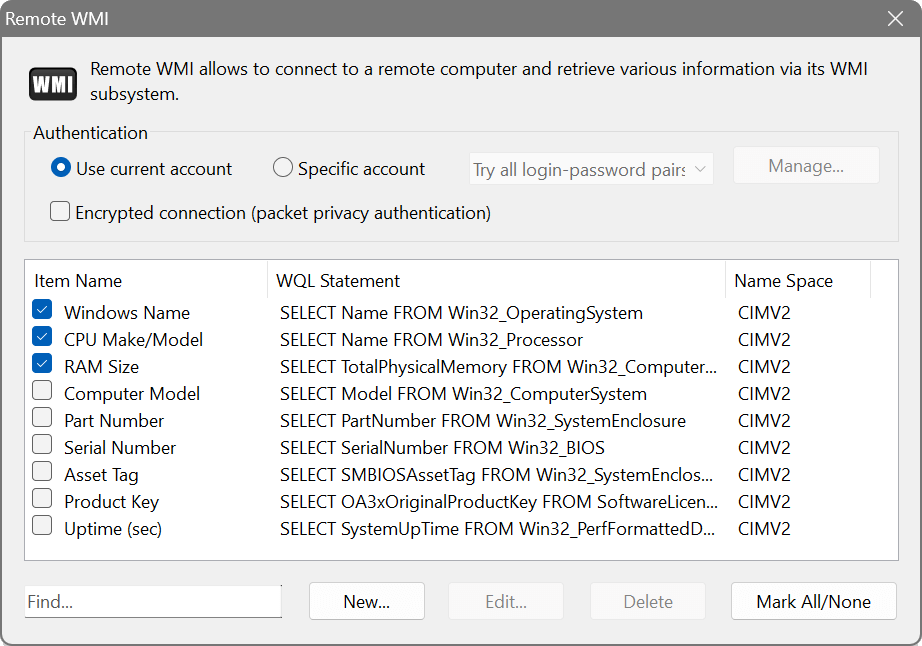
The dialog shows three columns: Item Name, WQL Statement and Name Space. Queries are written in WQL (WMI Query Language), which is similar to SQL.
Click New to open the WMI Query Builder. It connects to your local WMI subsystem and lets you browse available classes and properties. Select a WMI Class and the result set will show its parameters with example values. You can also click Find Class or Property to search across all classes. Click Test to verify your query.
- Encrypted connection (packet privacy authentication)
- When enabled, WMI communication is encrypted for added security.
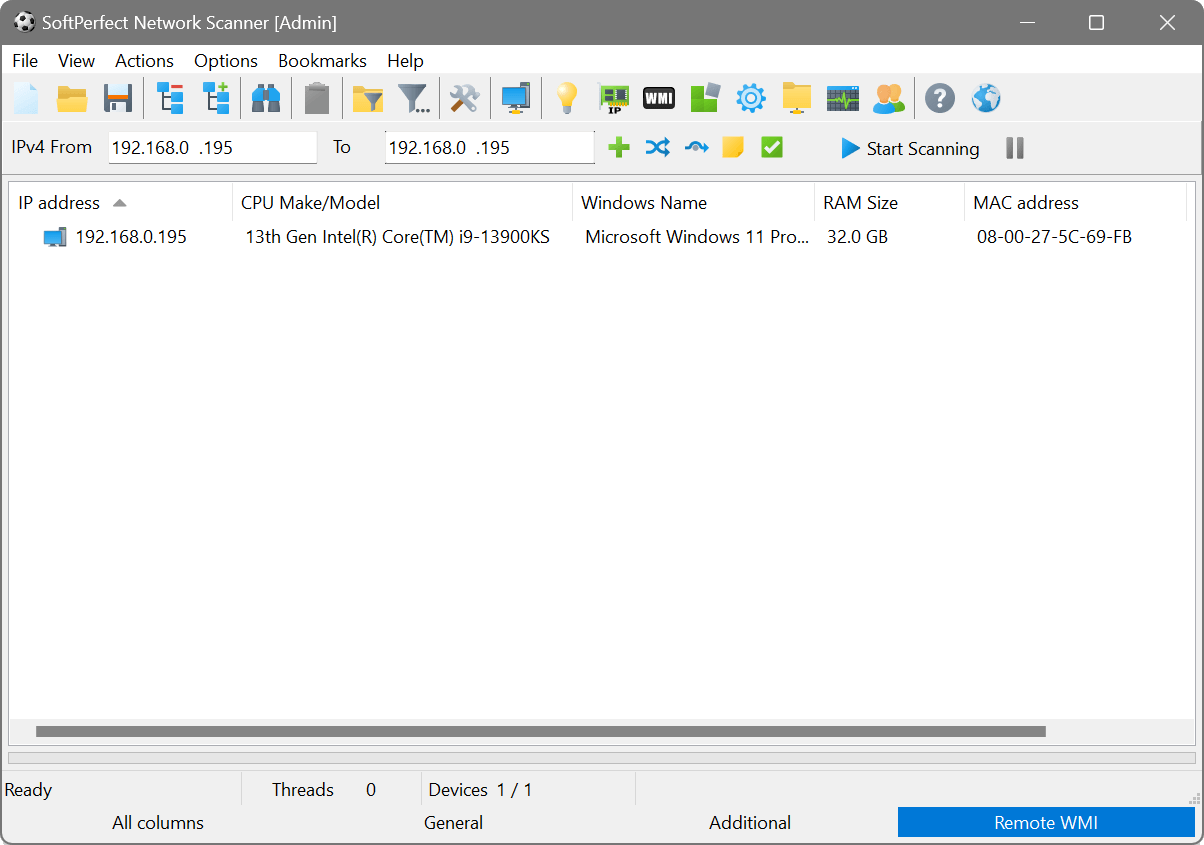
Create a WMI query with the class Win32_PhysicalMemory and select the Capacity parameter. After scanning, a new column will show the total physical memory installed on each Windows device. Export the results to a CSV file for your asset inventory.