Remote Services
This feature queries the Windows Service Control Manager on remote devices to check the status of specific services. Choose Options → Remote Services from the menu.
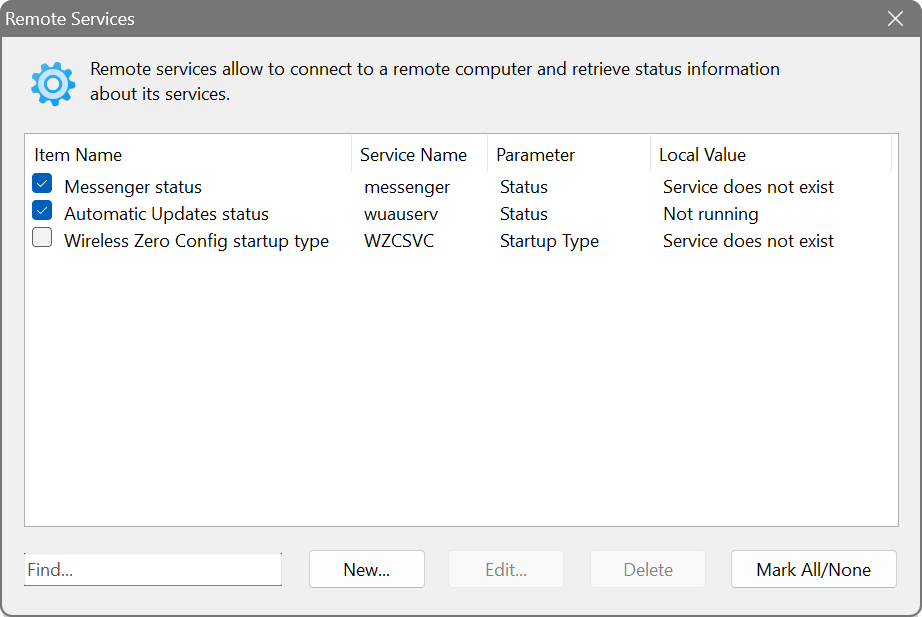
The dialog shows four columns: Item Name, Service Name, Parameter and Local Value. For each service you can retrieve its Service Status, Service Image Name (the executable path) or Service Startup Type.
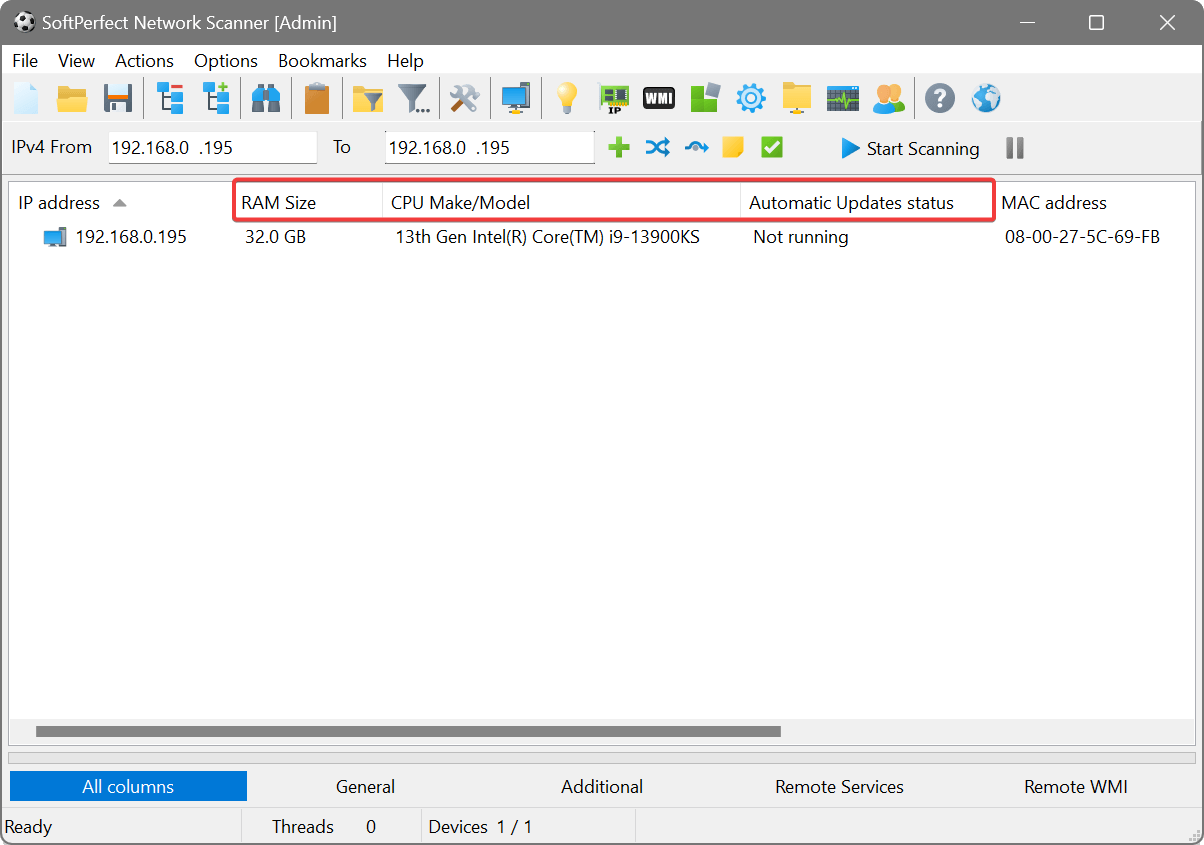
ensuring a critical service is running everywhere
Create a service query for the service you need to monitor (e.g. wuauserv for Windows Update) and select Service Status. After scanning, any device where the service is stopped or missing will be immediately visible in the results.